
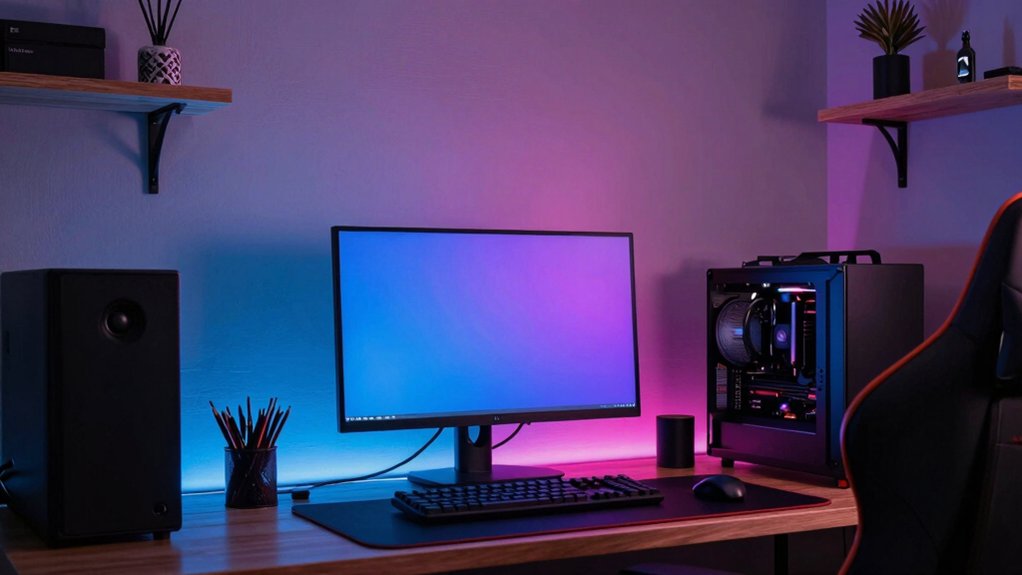
For a gaming room, lean into immersive dark hues like charcoal, navy, or forest green to recede the background and cut glare, then pair them with calming neutrals such as warm beige or whisper gray to ease eye strain. Add a bold accent wall or subtle neon cues to energize your rig, and use matte finishes with dimmable lighting to keep color true and glare-free. Want more tips to fine‑tune your setup? You’ll find them below.
Immersive Dark Hues for Focused Gaming
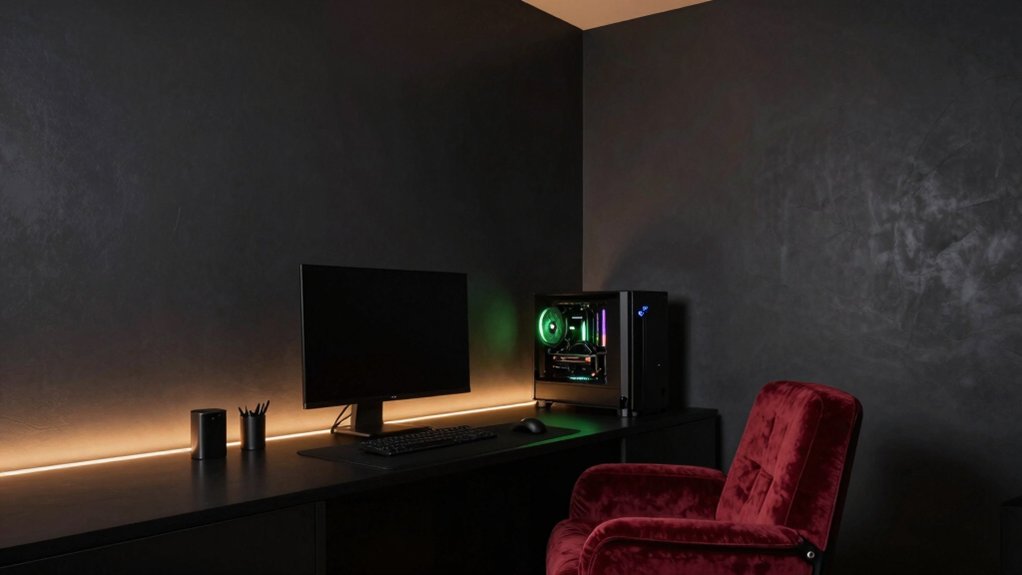
To create immersive focus, choose deep, matte colors like charcoal, navy, or forest green that recede into the background and reduce glare. You’ll leverage color psychology to cue concentration: darker tones lower visual noise and help your eyes stay on the screen.
In practice, apply these hues with controlled paint application—thin, even coats, minimal texture, and a dull finish to prevent reflections. Prioritize consistent lighting angles that won’t wash out the pigment’s depth, and avoid high-saturation accents that distract rather than ground you.
Use the chosen dark base as a quiet field, reserving brighter peripherals for subtle cueing or code blocks. Target a cohesive scheme: wall color, ceiling, and shelves in the same family to maintain visual unity. This enhances focus without compromising mood or clarity.
Calming Neutrals to Reduce Glare and Fatigue
Soft neutral tones keep glare in check without dulling detail, so you can spot enemies and UI elements clearly.
Pair a low-glare matte finish with balanced ambient lighting to reduce eye strain across long sessions.
This approach stays color-focused, precise, and ready to integrate with your gaming setup.
Soft Neutrals Tones
If you want a calming gaming room, soft neutral tones soothe eyes and minimize glare while still feeling inviting. Choose warm beiges, taupes, and whisper grays to create a breathable backdrop that doesn’t compete with your screen.
Soft neutrals reduce harsh contrasts and help your eyes recover between sessions. Use subtle shifts in shade to define zones without shouting color.
For wall treatments, go with pale, evenly pigmented hues that reflect ambient light softly. Pair these tones with restrained accents to preserve focus.
Consider wall murals for a gentle focal point that won’t overpower the room, and ceiling colors in near‑white or light gray to maximize perceived height and openness.
The result: a balanced, distraction‑free gaming environment.
Low-Glare Matte Finish
A low-glare matte finish calms the room by absorbing stray reflections, keeping your eyes relaxed during long sessions. You’ll notice softer walls that prevent harsh hotspots, letting colors feel true without glare. Choose calming neutrals like taupe, dove, or warm gray to maintain focus and reduce visual fatigue.
The matte texture minimizes sheen across surfaces, so your gaming accessories stay visually consistent and legible. Pair this approach with ergonomic furniture to support posture while you game, preventing strain during marathon sessions.
Keep contrast gentle between wall color and screens to avoid eye fatigue. The result is a cohesive, serene backdrop that enhances your perceived depth and color accuracy. Practical, subtle hues support immersive play without distracting reflections.
Ambient Lighting Balance
Ambient lighting should balance calming neutrals with purposeful brightness to curb glare and fatigue. You optimize your gaming mood by pairing soft, warm neutrals with controlled accents, so screens stay readable without harsh reflections.
Use LED strip lighting to create diffuse backlight behind monitors and along shelves, reducing eye strain while preserving true color. Keep wall colors and art in muted tones to maintain calm, then highlight focal elements with subtle, cooler accents to sharpen contrast.
Wall art integration should feel like part of the lighting plan, not a distraction; choose pieces with matte finishes and minimal glare. Position dimmable fixtures to adjust vibe between intense sessions and relaxed breaks, ensuring consistent, balanced illumination across the room.
Bold Accent Walls to Elevate Your Rig
Bold accent walls instantly punch up your gaming setup, creating a focal point that complements your rig’s lighting and peripherals.
Consider bold wall colors like electric blue, neon green, or deep crimson to heighten contrast with neutral furniture and dark floors.
Use clean, precise accents—think one standout hue per wall and thoughtful placement—to keep the look bold without overwhelming the room.
Bold Wall Impact
To create a striking focal point, start with a bold wall color that contrasts your gaming setup without overpowering it. Then layer complementary neutrals and accents to keep the room cohesive.
Bold wall impact means you lean into color as a centerpiece while preserving balance. Choose a hue with depth—deep blues, charcoal, or emerald—that makes your rig pop without stealing attention from peripherals.
Pair it with light, cool neutrals for walls or ceilings to prevent heaviness. Use wall art strategically to echo accent tones and create rhythm across the space.
Furniture coordination matters: select streamlined pieces in similar undertones to avoid clashing. Keep lighting neutral and sharp to highlight the bold wall without glare, ensuring a cohesive, high-energy gaming environment.
Accent Hue Ideas
Choosing an accent hue that follows a bold wall sets the mood for your rig without overpowering it. You’ll balance intensity with restraint by selecting a color that supports your primary shade and highlights key elements, like peripherals and shelving.
Consider color psychology: cooler tones calm action sequences, while warm hues energize late-night sessions. For a subtle lift, pair a bold wall with a lighter accent trim or a saturated door frame to draw the eye without shouting.
When planning paint application techniques, use painter’s tape for clean edges and multiple thin coats for even coverage. Test swatches on a near-wall panel to confirm mood and reflectivity under gaming lighting.
Fine-tune with matte or satin finishes to reduce glare and maximize comfort.
High-Contrast Combinations for Dynamic Setups
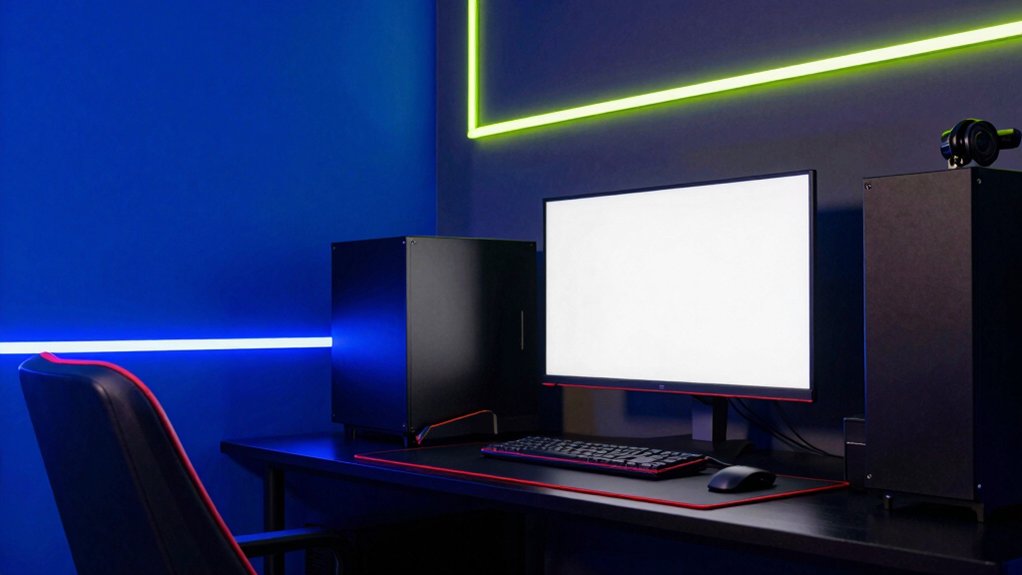
High-contrast combos wake up any gaming room, making monitors pop and lights feel punchier. You pair bold accents with deep neutrals to create focal points that read clean on screen.
Use contrast patterns—think sharp blacks against near-whites or saturated primaries beside muted tones—to guide the eye toward action zones without clutter. Your color choices should align with color psychology: red or electric blue energizes, while charcoal or navy grounds, reducing fatigue during long sessions.
Keep surfaces cohesive by repeating a single accent hue across trim, furniture, and accessories for rhythm. Avoid muddy results by maintaining clean edges and consistent saturation.
This approach delivers dynamic setups that feel intentional, vibrant, and immersive, without sacrificing readability or comfort during extended play sessions.
Lighting and Finishes to Enhance Color Accuracy
Now that bold contrasts guide your layout, you can fine-tune how light and finishes render color on screen. You’ll want lighting that’s neutral and controllable, avoiding warm or cool bias that shifts greens, blues, or neutrals off their true tone.
Opt for fixtures with high CRI (color rendering index) and consistent color temperature around 4000K for an accurate, game-friendly look.
Matte and satin finishes on walls minimize glare, boosting perceived color fidelity during long sessions. Use decorative wall decals and acoustic paneling strategically to balance reflections and sound without distorting hues.
Consider layered lighting: ambient, task, and accent. Dimmer controls let you adapt to different games, ensuring hues stay faithful from menu to in-game cinematics.
Room Size and Texture: Painting Tips for Small Rooms
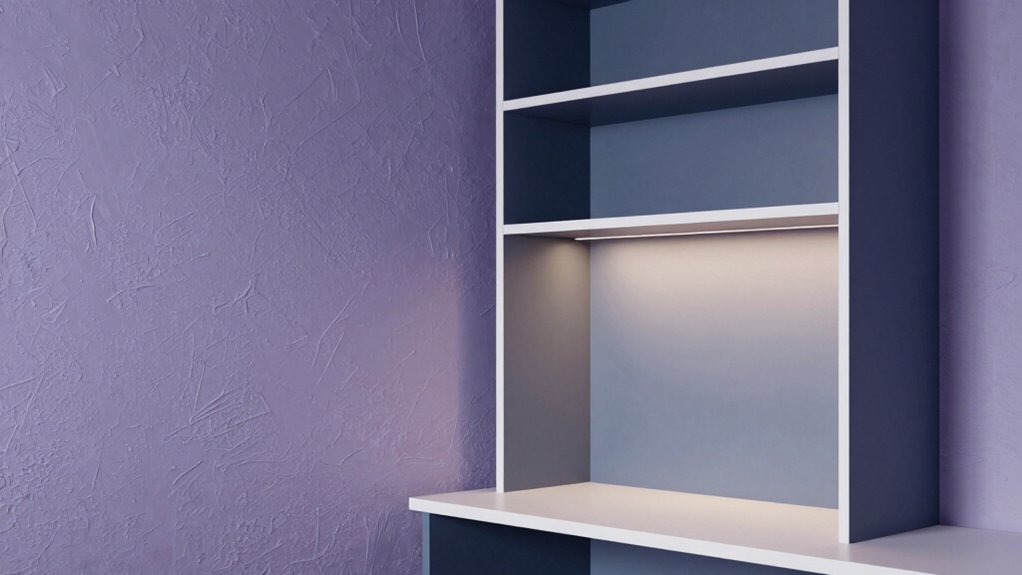
If your gaming space is compact, small-room painting hinges on perceptual tricks: use light, neutral walls to maximize brightness and create a sense of depth. You’ll want high-reflectivity finishes and minimal contrast to keep the room feeling open.
Focus on wall texture: a smooth skim or fine stipple reduces shadows and diversions from action on screen. For paint application techniques, cut in clean edges around trim, then roll in uniform, light coats to avoid streaks.
Prioritize even coats and ample drying time to prevent patchiness that distracts gameplay. Consider a satin or eggshell finish for durability and sheen that won’t glare under monitors.
Pair walls with restrained accents, letting color depth come from lighting rather than heavy color blocks.
Maintenance-Friendly Paint Options for a Gamer’s Space
Maintenance-friendly options keep your gaming space looking sharp with minimal upkeep. You’ll want wall paint durability that stands up to fingerprints, dust, and occasional scrapes from a chair wheel. Choose satin or eggshell finishes for easier cleaning and a subtle shine that hides that gamer glow.
Look for washable formulas that resist stains without harsh scrubbing, so your setup stays pristine between sessions. Eco friendly paint options matter here: low-VOC or zero-VOC blends reduce odors and indoor pollutants, important for long gaming marathons.
Favor neutral bases with strategic accent walls to keep glare at bay while still delivering personality. Prioritize brands that publish durability ratings and cleaning guidance, ensuring your color stays true as you switch peripherals and lighting moods.
Color Schemes by Genre and Mood
Color sets the vibe for every game, so choose schemes that reflect genre and mood while staying practical for long sessions. You’ll map colors to your preferred genres: sci‑fi or cyberpunk benefits from cool blues and neon accents, while RPG and fantasy prosper with earthy tones and muted teals.
For intense shooters, lean into high-contrast combos that sharpen focus without fatigue. Cozy indie or exploration titles sing with warm neutrals and subtle greens. Consider color psychology to cue energy, calm, or immersion, and balance with furniture and lighting to avoid overpower.
Remember paint durability matters; pick satin or matte finishes in durable formats for walls that endure. Cap off palettes with accent colors that enhance contrast, readability, and long-term comfort.
Frequently Asked Questions
How Many Coats Does Gaming Room Paint Typically Require?
You typically need two coats for gaming room paint, ensuring even color layering. For durability, apply a primer first and use quality paint; this improves paint durability and color layering, making accents pop while minimizing touch-ups later.
What Sheen Levels Minimize Screen Glare Best?
That’s a no-brainer: choose a matte to satin sheen for glare reduction. You’ll notice less screen reflection with lower sheen, and a satin finish gives clean visuals. Sheen comparison favors satin over high-gloss for gaming glare.
Do Reflective Paints Affect LED RGB Lighting Accuracy?
Reflective paint properties can distort LED color calibration, so you’ll want matte or low-gloss walls. You’ll minimize glare but preserve true hues; use neutral tones, and adjust LED color calibration after painting for accurate RGB output.
Can I Paint Over Wallpaper Without Prep Work?
Yes, you can, but only if you manage wallpaper removal first. Noting that 60% of projects fail without proper prep, you must prime after removal; primer application guarantees adhesion, reduces peeling, and delivers a smooth, color-focused finish.
Which Paints Resist Fingerprints and Dust Buildup Effectively?
Yes, choose paints labeled fingerprint resistant and dust resistant. You’ll optimize cleanup, minimize smudges, and keep walls looking fresh. Look for satin or eggshell finishes in durable brands, and apply a quality primer for best performance.