
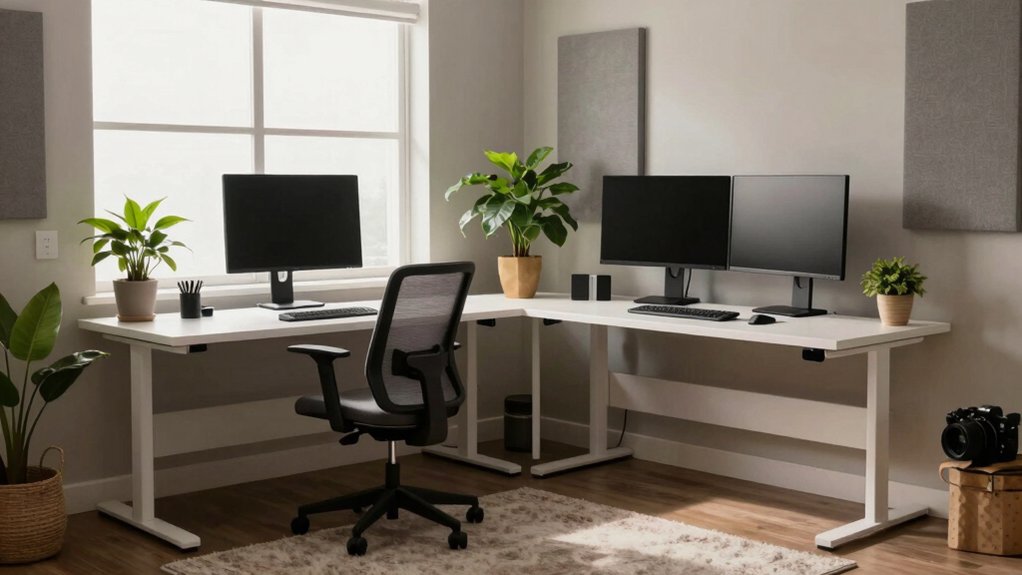
You can design a home office that actually works by zoning for flow, light, and sound right from the start. Picture a primary workstation facing a window or calm wall, with tall storage that keeps clutter out of sight. Layer lighting for mood and focus, mix diffuse ceiling light with a flexible task lamp, and seal noise leaks to mute chatter. Fine-tune the arrangement so breaks, calls, and solo work each have their own space, and you’ll see momentum build—but the best parts might surprise you.
Maximizing Layout for Flow and Organization
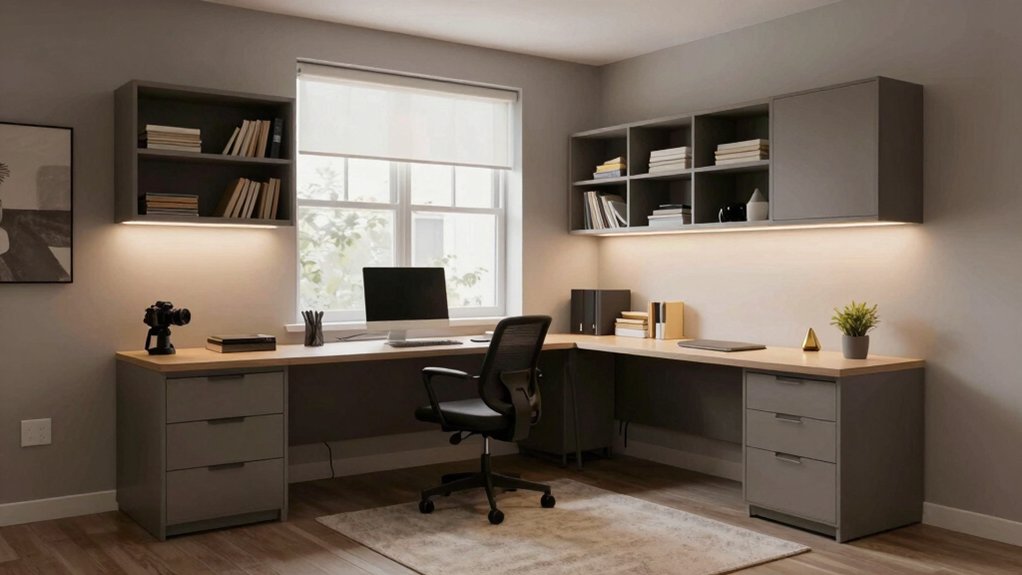
A great home office starts with a layout that promotes flow, not friction. You’ll win clarity by mapping zones: dedicated workspace, filing, and a quick-access landing. Prioritize furniture placement that invites movement, not clutters.
Position your desk to face a wall or window, keeping cords tucked and reachable on both sides. Opt for a central pathway that doesn’t cross the workflow, so you’re never stepping over tasks.
Use vertical storage to free desk space, and group related items near where you’ll use them most. Choose modular storage solutions that adapt as needs shift.
Consolidate supplies, printers, and chargers in a single, accessible cartridge or cabinet. Align shelves at eye level for quick retrieval, minimizing wasted minutes and maximizing focus.
Lighting Strategies to Boost Mood and Productivity
Lighting isn’t just about visibility—it shapes mood, focus, and energy during work. You’ll optimize mood by layering light sources: diffuse ceiling light for even foundation, then task lighting where you need precision.
Use natural light strategically: position your desk near a window to reduce eye strain, and shift work patterns to exploit daylight hours when possible.
Balance brightness with color temperature—cooler tones (around 4000–5000K) energize, warmer tones (2700–3000K) calm.
Place adjustable task lighting at a 45-degree angle to reduce shadows on documents and screens. Dimmable options let you match tasks to moments.
Consider anti-glare screens and light fixtures with good CRI to render true colors.
Finally, maintain a clean, clutter-free surface so lighting remains effective and unobtrusive.
Soundproofing Hacks for Concentration
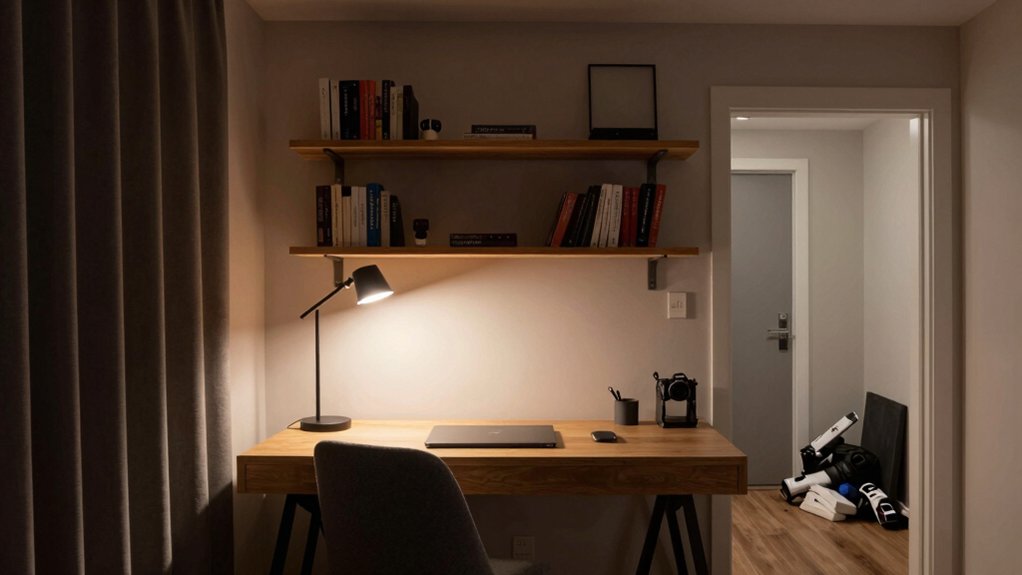
To keep distractions at bay, start with a real-world plan: seal obvious noise leaks, then layer in sound-absorbing elements that fit your space and budget. You’ll first reduce external chatter with weatherstripping, door sweeps, and window inserts.
Next, add sound absorption where you work: a compact rug, wall panels, or a hanging tapestry can dampen mid and high frequencies without clutter. Choose products labeled for offices and check NRC ratings to compare effectiveness.
Use strategic noise barriers—bookcases filled with dense items, fabric-covered panels, or movable screens—to interrupt sound paths between you and the source. Tuning helps: rearrange furniture to align with typical noise directions.
The goal is a calmer cadence for focused work and steady momentum.
Choosing the Right Desk and Storage Solutions
After tightening noise control, it’s time to shape the work zone with the right desk and storage that keep momentum, not clutter. You’ll pick a desk height that fits you—consider a standing desks option for flexibility and posture variety.
Choose a surface wide enough for current tasks, with room for a monitor, keyboard, and notes without crowding. Storage should be reachable, not hidden, so grab drawers or open shelves that reduce search time.
Implement simple cable management to hide cords and prevent tangles, preserving a clean top. Opt for modular units you can reconfigure as tasks shift.
Keep a dedicated file area for legacy papers and a charging station for devices. Prioritize calm finishes and minimal hardware to maintain focus.
Creating Zones: Work, Break, and Collaboration Areas
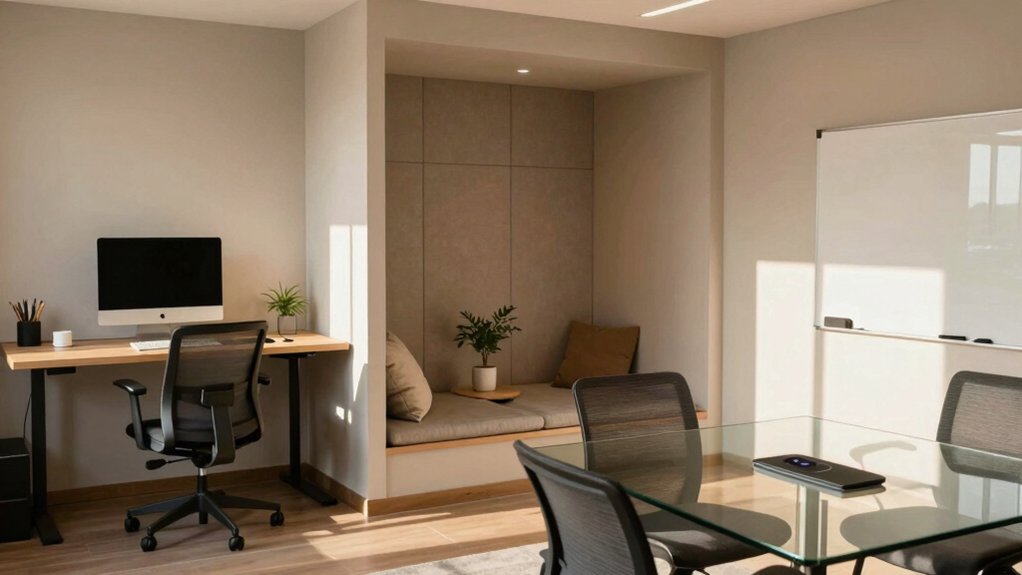
Start by defining a dedicated Work Zone, with clear boundaries and essential tools within arm’s reach.
Then map Break and Collaboration Areas that encourage short rests and quick, focused teaming without stealing your momentum.
Look for simple cues—lighting, acoustics, and layout—that signal when you’re in work mode versus break or collaboration mode.
Work Zone Essentials
Creating distinct work, break, and collaboration zones isn’t about flashy furniture—it’s about practical flow that keeps you productive.
In the work zone, position your desk to face a wall or window with minimal glare, and place essential tools within arm’s reach. Use a comfortable chair with support and a small, sturdy surface for notes or a second monitor.
Define lighting that reduces eye strain without creating harsh shadows; adjust task lights to follow your work without distracting others. Color schemes should favor calm neutrals with one quiet accent to reduce visual noise.
Integrate plant life to improve air quality and focus, but avoid clutter. Keep cables managed, and evaluate acoustics—soft furnishings can absorb noise without muffling your productivity.
Break and Collaboration Areas
Break and collaboration areas should feel intentional, not incidental; design these spaces to invite quick resets and easy teamwork. You’ll want a defined, flexible zone that supports both conversation and focused bursts.
Use a small seating cluster for rapid brainstorms, plus a whiteboard or pegboard wall for visual anchors. Integrate storage so supplies stay accessible yet out of the way.
Choose quiet-yet-friendly textures and lighting that encourage conversation without distraction. Bring in home office plants to soften edges and improve air quality, and select color schemes that boost energy without fatigue.
Favor durable surfaces you can wipe down after quick meals or spilled coffee. Clearly mark zones with subtle cues, so when the clock ticks, collaboration happens naturally.
Finishing Touches: Ergonomics, Aesthetics, and Personalization
You’ll tune your workstation with ergonomic essentials that support posture, comfort, and focus.
Add personalization touches that reflect your workflow and help you stay engaged, without creating clutter.
Together, those details shape a space that’s both functional and inviting.
Ergonomic Essentials
Ergonomics isn’t a luxury here—it’s the backbone of comfort and productivity, guiding choices that fit your body and your space. You’ll start with a supportive ergonomic chair, adjusted to keep hips level and spine neutral, reducing fatigue as you type. Set the chair height so your feet rest flat and thighs aren’t pressed against the edge of the desk.
Place your keyboard at elbow height to preserve a relaxed wrist angle, and align it with your dominant shoulder for natural movement. Position the monitor so the top line falls just below eye level, about an arm’s length away.
Keep frequently used tools within easy reach, and rotate tasks to avoid repetitive strain, ensuring a steady, sustainable workflow.
Personalization Touches
Personalization touches make a home office feel like yours without sacrificing function. You tailor the space to your work rhythms, not an idealized showroom.
Start with a deliberate layout: position artwork displays where they’ll inspire without causing glare or distraction, and keep daily tasks within easy reach.
Choose plant arrangements that require minimal maintenance yet add life and humidity balance, placing them where they’ll enhance acoustics and air quality.
Use color accents that energize you without overwhelming the palette, and swap items seasonally to refresh the vibe.
Curate a small, meaningful clutter-free collection—photos, artifacts, or samples—that sparks motivation.
Finally, implement simple rules for personalization: rotate one item weekly, and document how each change affects focus and comfort.