
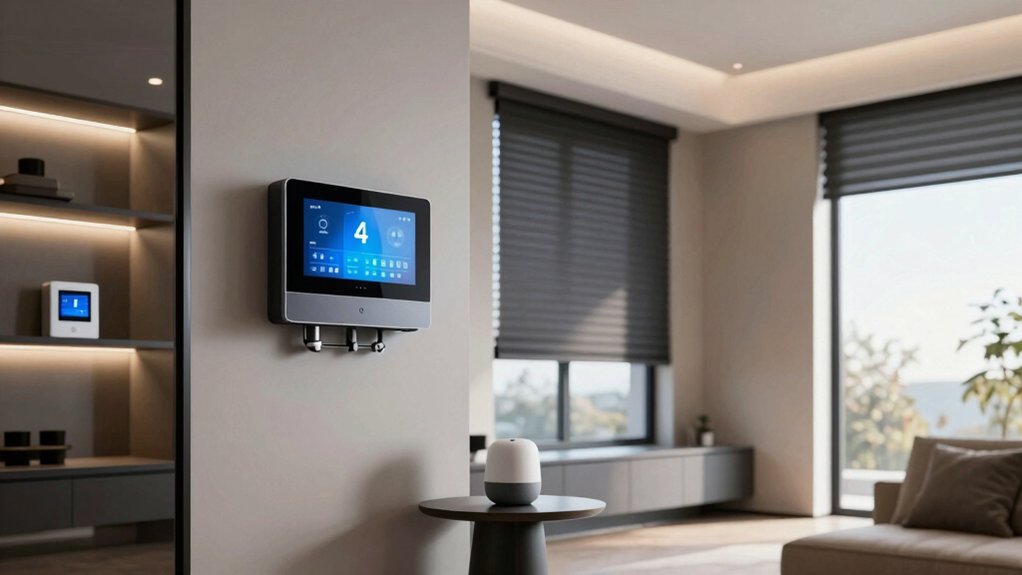
Smart upgrades should start with energy-aware thermostats and zoning, then scale to smart lighting, automated shading, and security sensors that tie into centralized access. You’ll want voice hubs, multimodal controls, and a platform built on open standards to avoid lock-in. A robust Wi‑Fi spine and modular hardware set the stage for future changes. The question isn’t what to install first, but how to design for growth as you integrate more devices.
Energy-Efficient Thermostats and Zoning
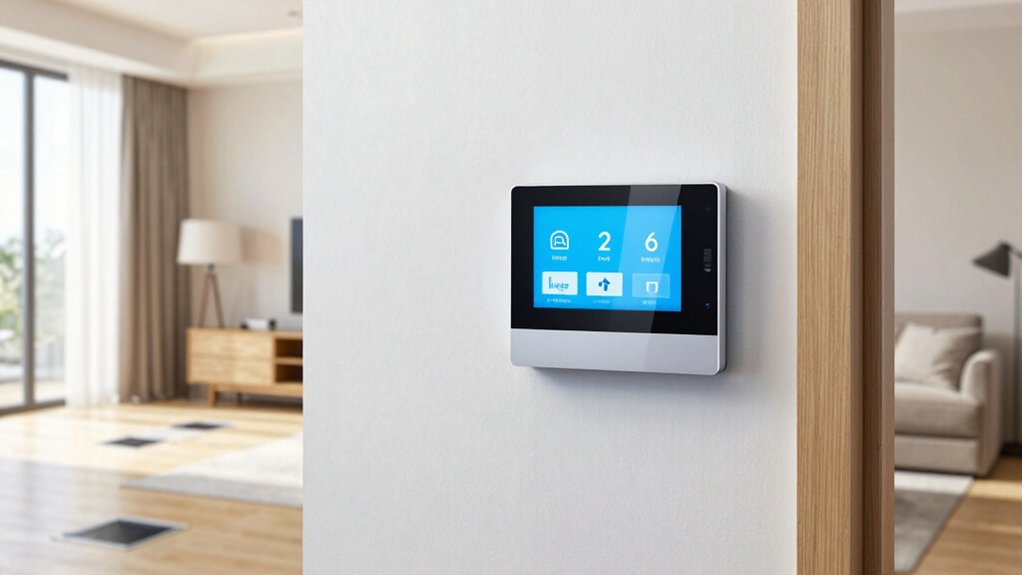
Smart thermostats and zoning let you tailor heating and cooling to when and where you need it, cutting energy use without sacrificing comfort. You configure setpoints by zone, assigning rooms to separate comfort zones and tying them to occupancy patterns.
Smart thermostats continuously monitor temperature and humidity, adapting demand with learning algorithms.
Zoning controls divide your space into distinct thermal regions, reducing blanket cooling or heating of unoccupied areas. You’ll gain precise control over schedules, enabling faster responses to weather shifts and user presence.
Integration with HVAC systems supports demand-response features and multi-stage equipment, optimizing runtime and minimizing peak load.
Keep wiring and sensor placement tidy to preserve system reliability, and verify compatibility among thermostats, dampers, and control panels for seamless operation.
Smart Lighting and Circuits for Automated Ambience
With sensors and zoning in place, you can extend automation to lighting and circuits for a consistent, responsive ambience. You’ll pair dimmable LEDs with scenes that fit daily rhythms, reducing glare while maintaining task lighting where needed.
Use a centralized controller or smart hub to synchronize switches, outlets, and dimmers, ensuring seamless progression between zones. Implement occupancy and daylight sensors to adapt brightness automatically, and assign policies that prevent overlap or conflicts when multiple schedules run.
Cabling should support future upgrades: use conduit, pull boxes, and labeled conductors for easy rework. Choose certified smart lighting devices with reliable interoperability standards to avoid vendor lock-in.
Document wiring diagrams and scene definitions so renovations remain maintainable and scalable, delivering automated ambience without sacrificing safety or performance.
Home Security Integration and Access Control
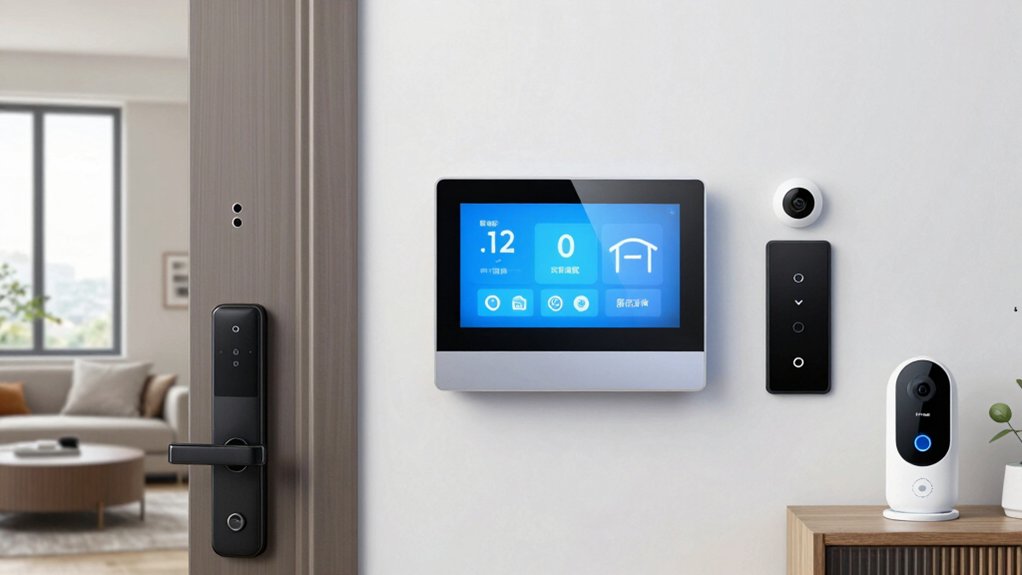
You’ll start by evaluating how smart locks and access controls integrate with your door hardware to secure entry points.
Video doorbell integration adds per-door visibility and alerts that feed into a centralized security dashboard.
A centralized dashboard ties these components together, enabling real-time monitoring and streamlined access management.
Smart Locks and Access
Access control starts at the door, where smart locks replace or augment traditional hardware to control entry and monitor access events in real time. You’ll integrate devices that support multiple credential types, including smartphones, RFID cards, and traditional keys as fallback.
Choose models with encrypted communications, tamper alerts, and auto-lock features to minimize delays between authorized events. For reliability, verify power options—battery-backed operation is essential during outages—and review payloads for local versus cloud processing to balance latency and resilience.
Implement access rules and audit trails so you can track who enters, when, and where. Consider compatibility with your existing home automation hub and routines, ensuring seamless responses to user presence, keyless entry, and routine provisioning.
Video Doorbell Integration
Video doorbells extend your home security by linking real-time visitor video, two-way audio, and event alerts to your access control system. You’ll integrate them with existing door hardware and networks, preserving uptime even during outages through local storage or battery backups.
Choose models that support encryption, dual-band Wi‑Fi, and standard protocols for interoperability. Video doorbell benefits include tamper resistance, footprint-free installation near entry points, and scalable alert rules that trigger door release or lockdowns when verified by your access controller.
Plan wiring or wireless power options, verify power budgets, and guarantee PoE or USB-C charging won’t overload circuits. Installation tips emphasize mounting height, field of view, and privacy-compliant zones.
Test automations, update firmware, and document device IDs for maintenance.
Centralized Security Dashboard
A centralized security dashboard unifies events from door sensors, cameras, and access control into a single, real-time view. You’ll monitor ingress/egress, verify identities, and respond from one pane, reducing latency and confusion.
The dashboard aggregates device health, battery status, and network status, so you don’t chase alerts across platforms.
It supports role-based access, enabling you to grant or revoke permissions without reconfiguring each device.
Integrations with automated shading and integrated climate extend security beyond intrusion, allowing scenes that respond to occupancy and time of day.
Real-time analytics highlight anomalies, while event logs provide audit trails for compliance.
Useizons like geofencing and smart lock status to choreograph routines, ensuring doors adapt to arrivals.
Keep firmware current and test failovers periodically for resilience.
Voice Control Hubs and Multimodal Interfaces
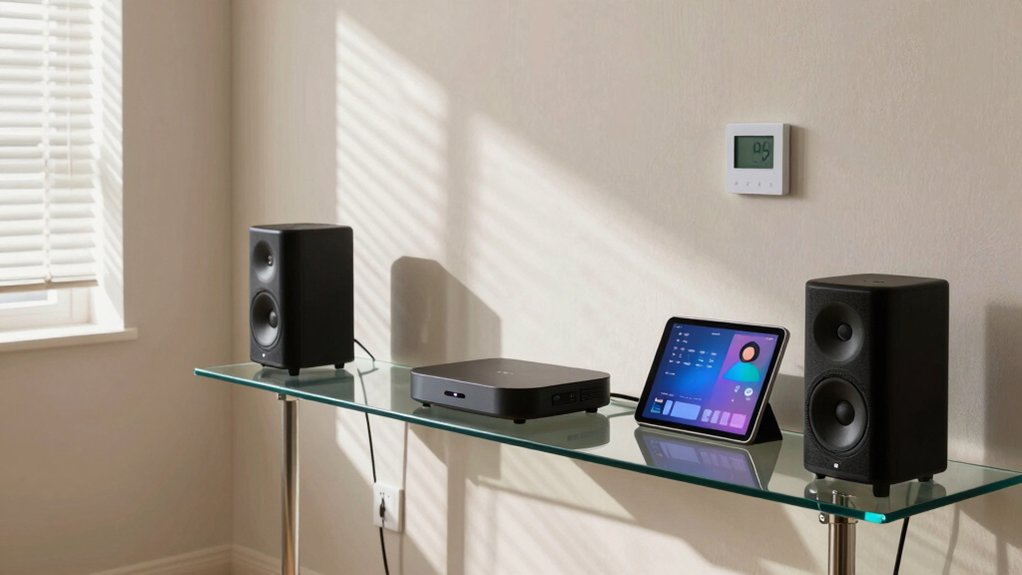
Voice control hubs and multimodal interfaces consolidate smart-home command flows by unifying spoken, tactile, and visual inputs into a single point of control. You’ll navigate devices through voice assistants, physical controls, and on-screen prompts without juggling apps.
These hubs centralize routines, enabling context-aware responses derived from sensor data and recent actions. Multimodal interfaces reduce friction by switching seamlessly between a spoken command, a quick tap, or a display cue, depending on your environment and privacy preferences.
You’ll configure routines that chain lights, climate, and media, with feedback via audio prompts or status indicators. Prioritize robust wake-word handling, local processing options, and clear error messages to maintain reliability.
Balance convenience with security, ensuring access controls and encryption accompany every command path.
Interoperability: Choosing a Unified Platform
Choosing a unified platform hinges on clear, cross-device compatibility, so you can rely on a single ecosystem to manage sensing, controls, and automation.
You’ll want robust standard support, open APIs, and predictable behavior across lights, sensors, and hubs.
Start by evaluating how well a platform handles interoperability for the devices you own and plan to add, not just today but over the next few years.
Unified Platform Essentials
Interoperability hinges on selecting a unified platform that can reliably connect devices, apps, and services from different ecosystems. You evaluate supported protocols, device catalogs, and API stability to minimize fragility across updates.
A robust platform offers native automation, cross-brand routines, and predictable latency, so your scenes don’t hiccup when a bulb or sensor refreshes.
Prioritize security models, role-based access, and transparent firmware governance to reduce exposure. Consider how the platform handles onboarding, personalization, and updates without disrupting your existing setup.
Look for a cohesive developer ecosystem that avoids vendor lock-in while still delivering a broad device range.
For smart home aesthetics and DIY installation, you want a system that blends form with function, delivering reliable control without unnecessary complexity.
Cross-Device Compatibility
A unified platform must prove it can handle cross-device compatibility across brands, protocols, and operating systems without breaking when firmware updates roll out.
You’ll evaluate how devices synchronize actions, status, and scenes without manual workarounds. Look for robust device synchronization that doesn’t depend on a single vendor’s ecosystem, and favor cross platform integration that remains stable as standards evolve.
Prioritize transparent support for common protocols (Matter, Zigbee, Z-Wave, Wi‑Fi) and clear update calendars, so devices stay in step rather than drift apart.
Assess error reporting, rollback options, and diagnostic tooling that let you isolate incompatibilities quickly.
Choose a platform that minimizes porting effort when adding new devices, preserving automation logic, triggers, and schedules across your entire smart home network.
Renewable Energy and Smart Battery Solutions
Solar energy and smart battery solutions empower your home to offset grid use and improve resilience. You’ll integrate solar panels and a thoughtfully sized energy storage system to store daytime excess for nighttime or cloudy days.
A properly configured battery bank helps smooth out demand, reducing peak utility charges and guaranteeing power during outages. Pairing solar with intelligent energy management lets you prioritize critical loads, HVAC, pumps, and lighting, while avoiding unnecessary draw from the grid.
Wind turbines can augment generation in appropriate climates, but require site assessment, structural considerations, and regulatory compliance.
Choose modular storage with scalable capacity, monitor performance in real time, and facilitate seamless transition between on- and off-grid modes.
Prioritize safety, code adherence, and system longevity.
Scalable Network Design and Wi-Fi Coverage
Designing a scalable home network starts with a solid core and deliberate expansion paths. You choose a modern router with multi‑GbE WAN/LAN, WPA3, and QoS that prioritizes critical devices.
From there, plan a hierarchical topology: a robust backbone, then distributed access points or mesh nodes to blanket living spaces. Mesh networking simplifies coverage math, but you’ll benefit from wired backhaul where possible to minimize latency and jitter.
Assess device density, guest networks, and smart hub placement to avoid interference. Wi Fi extenders can fill gaps, yet they introduce latency if not properly placed; prefer dual‑band or tri‑band solutions with seamless roaming.
Document IP schemes, VLANs, and SSIDs to simplify management as you scale, ensuring consistent security profiles across all zones. Regular audits keep performance aligned with evolving smart home needs.
Future-Proofing Your Renovation With Modularity
Future-proofing your renovation with modularity means building a system that grows with you. You design for modular expansion from the start, using standardized interfaces and open ecosystems so components can be swapped or added without a full rebuild.
Prioritize a backbone that supports future scalability: powered hubs, modular enclosures, and swappable sensor modules that share a common protocol. Plan for power and network redundancies carefully, so upgrades don’t disrupt existing devices.
Document device compatibility and update paths, and choose vendors with clear long-term roadmaps. Separate critical infrastructure from discretionary tech to avoid premature obsolescence.
Regularly review your roadmap, ensuring new modules align with your evolving needs. This approach yields durable interoperability, reduced maintenance costs, and a predictable upgrade path for future scalability.