
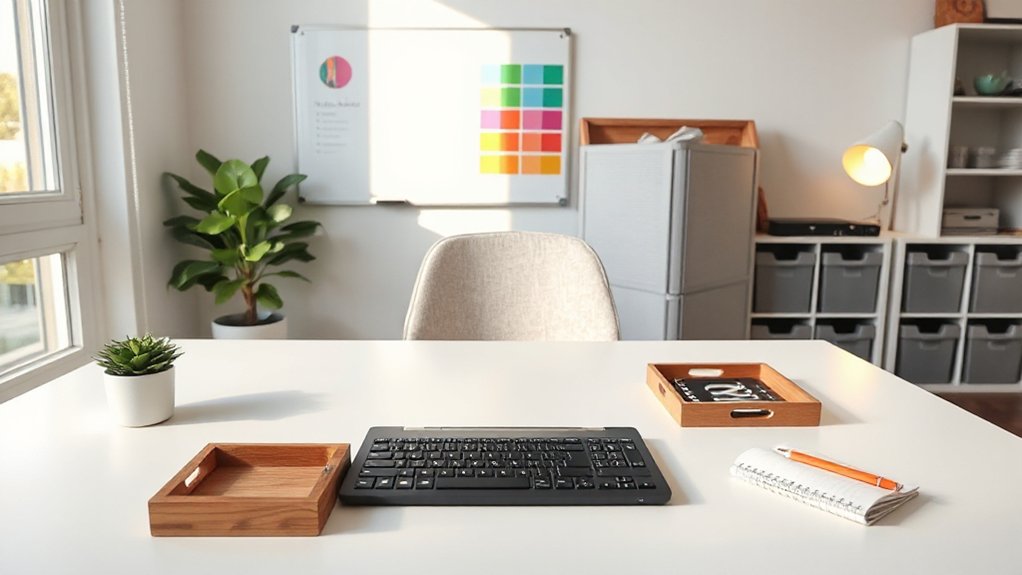
To refresh your home office for better productivity, start by clarifying 30, 60, and 90‑day goals and translating them into concrete actions you can track daily. Audit your space for glare, noise, and clutter, then optimize lighting with diffused, cool tones for focus and warmer tones for late shifts. Invest in ergonomic basics and sit/stand flexibility, arrange tools within easy reach, and establish clear zones with a color coding system. Maintain momentum with routines, check-ins, and milestones you’ll soon see in action. You’ll uncover more practical steps as you proceed.
Identify Your Home-Office Productivity Goals
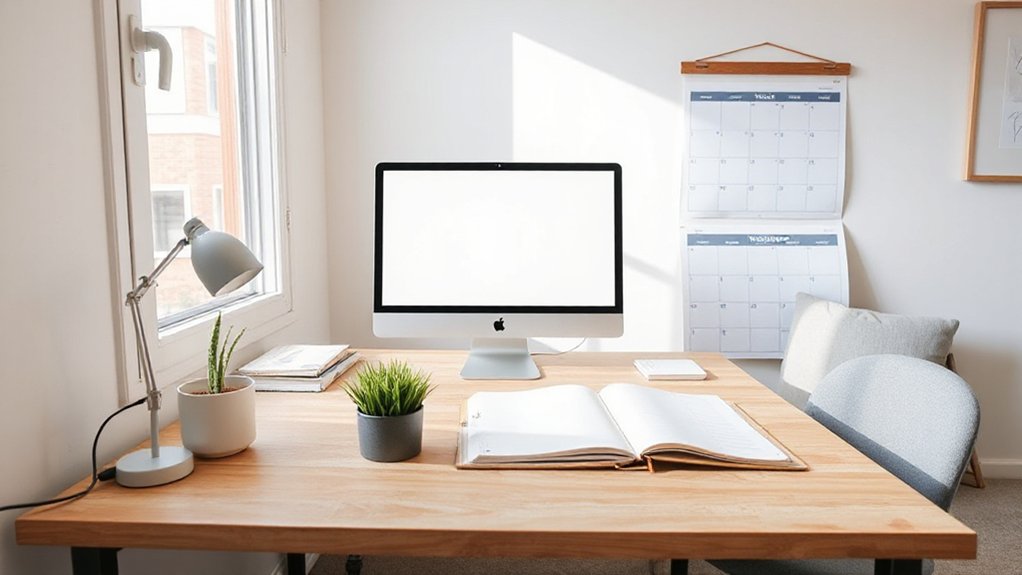
To identify your home-office productivity goals, start by clarifying what you want to achieve in the next 30, 60, and 90 days. You’ll translate those targets into concrete actions, milestones, and metrics you can measure weekly.
Define primary outcomes—whether completing projects faster, reducing distractions, or improving collaboration—then align them with your daily routines. Choose specific, realistic benchmarks, and attach deadlines that feel achievable, not punitive.
Let creative decor support focus and mood, not overwhelm; place task-focused zones and calming touches where they count. Use motivational quotes as reminders, not pressure, to reinforce progress.
Share these goals with your trusted peers or mentor to strengthen accountability and belonging, while keeping your plan lean, purposeful, and absolutely actionable.
Audit Your Space: What’s Holding You Back
Start by evaluating how lighting and distractions shape your focus. Then map out how each element affects your productive window.
Consider whether glare, shadows, or harsh bulbs steal your attention, and identify noisy or busy zones that pull you away from deep work.
Finally, assess your work zone layout to guarantee your setup supports smooth, uninterrupted progress.
Lighting Of Distractions
Lighting may be your most overlooked productivity tool, so audit your space and tackle distractions that glare or strain your eyes. You’ll assess brightness, contrast, and color temperature, ensuring screens aren’t washed out or overly harsh.
Replace harsh bulbs with calm, consistent lighting and add task lamps where you work most. Create distraction-free zones by separating screens from busy shelves or windows, so glare doesn’t chase your focus away.
Use dimmable lights to match tasks and time of day, preserving energy and reducing eye fatigue. Position lights to avoid reflections on monitors, and consider warm tones for calmer mornings.
With focus-enhancing lighting, you’ll feel more connected, intentional, and supported in a space designed for belonging and steady progress.
Work Zone Layout
A well-planned work zone starts with a clear map of how you move through your day. You’ll arrange workflows so tasks flow, not collide, maximizing focus and comfort. Start by mapping key zones: input, output, and storage, keeping frequent items within arm’s reach and distant distractions out of sight.
Align surfaces and outlets to minimize reach, trip hazards, and fatigue. Use decorative accents to create a cohesive feel that reinforces belonging and steadiness. Color coordination guides attention and reduces decision fatigue, helping you stay in the zone.
- Position your chair, keyboard, and monitor for ergonomic alignment and minimal eye strain.
- Group supplies by function, using labeled bins or drawers to streamline tasks.
- Integrate a calm color palette and subtle decorative accents to reinforce focus and cohesion.
Create a Focus-Boosting Lighting Plan
To create a focus-boosting lighting plan, assess how your current setup supports concentration and adjust for both brightness and color temperature. Start with natural light when possible, positioning work where daylight falls evenly without glare.
Use soft, diffused illumination in the surrounding area to reduce eye strain, while reserving brighter task lighting for focused activities like writing or detailed design.
For color temperature, opt for cooler whites (around 4000–5000K) to sharpen alertness during daytime work, and warmer tones (2700–3000K) for late shifts to facilitate shifts.
Implement adjustable task lighting at desks and clamp lamps for direct focus where you need it most.
Make sure controls are simple and reliable, so you can tailor light to your tasks, mood, and schedule.
Budget Ergonomics: Chair, Desk, and Posture Essentials
Investing in an ergonomic foundation doesn’t have to break the bank; start with a chair that supports your lower back, a desk at a comfortable height, and posture habits you can maintain all day. You’ll build comfort and consistency without overspending.
- Ergonomic accessories that reinforce alignment (lateral supports, footrest, monitor riser)
- Desk setup that aligns wrists, elbows, and shoulders for natural posture correction
- Daily micro-habits to sustain comfort and focus throughout your work
With these elements, you create a practical, inclusive workspace where you belong. Prioritize proven comfort over trend-based gear, measure ramp-up time, and adjust as needed. The goal is steady, sustainable productivity, not perfection.
Layout for Flow: Desk Arrangement for Focus
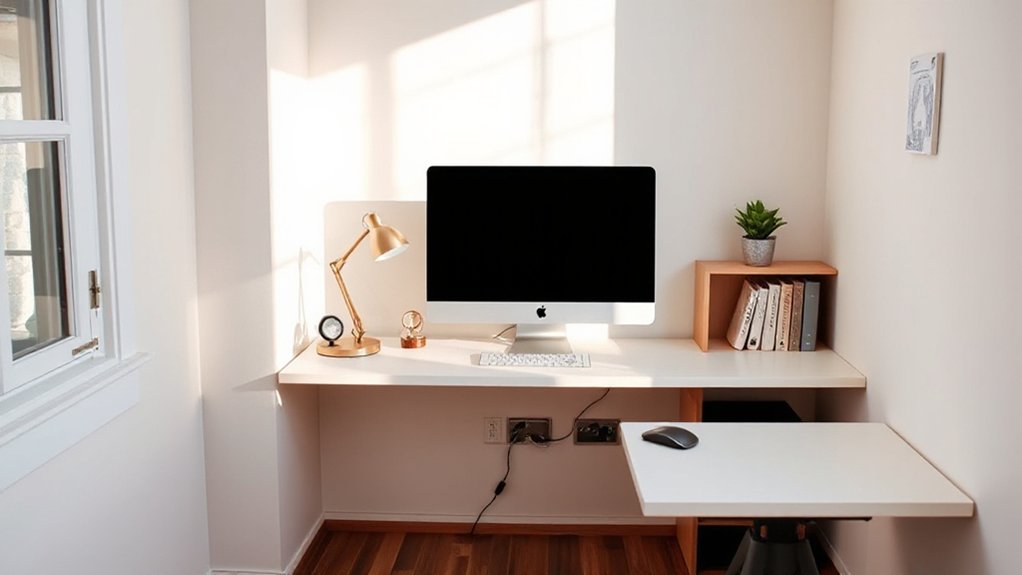
With a solid ergonomic foundation in place, you’ll gain real gains by arranging your desk for flow that minimizes distraction and maximizes focus. Position your primary work zone so you face a calm focal point, with the monitor directly at eye level and the keyboard within natural reach.
Place frequently used tools within easy sight and reach, reducing micro-adjustments. Use ergonomic accessories to support wrists and posture, and keep cables tamed to avoid visual clutter.
Color coordination matters: cluster related tasks behind a single color cue and keep contrasting accents minimal to prevent distraction. Create clear zones for writing, computing, and reference, and guarantee lighting eliminates glare.
Your workspace should invite consistency, reduce movement, and reinforce purposeful, focused work sessions.
Declutter Your Digital Workspace for Clarity
Decluttering your digital workspace starts with a clear plan: identify what truly matters, then remove the rest. You simplify by aligning files, apps, and tabs to purpose, not habit, creating space for focus and belonging.
Digital clutter disappears when you define a single source of truth and keep only what serves your goals. Practice Virtual organization by structuring folders, naming conventions, and workflows that you can trust daily.
- Create a minimal folder hierarchy that mirrors your work process.
- Uninstall unused apps and close nonessential tabs to reduce interruptions.
- Schedule a 5-minute weekly cleanup to preserve clarity and momentum.
This approach is practical, precise, and action-driven, helping you feel connected to your tools rather than overwhelmed by them. Digital clutter is manageable when you own the system.
Choose Wall Colors That Boost Focus and Mood
Choosing wall colors that support focus and mood is about purposeful selection, not moodboarding hype. You want hues that reinforce routine, reduce distraction, and invite collaboration when needed.
Start with neutral bases—warm grays or soft beiges—to create calm, stable backdrops for concentration. Add subtle accents in blues or greens to support steady energy and mood enhancement, without overpowering your workspace.
Consider lighting: cool daylight tones sharpen focus, while warmer tones soften fatigue later in the day.
Avoid high-contrast combinations that fracture attention; instead, test large swatches on the wall and observe how the color shifts with natural light. Document outcomes to refine future choices.
Easy Plants That Improve Air and Mood
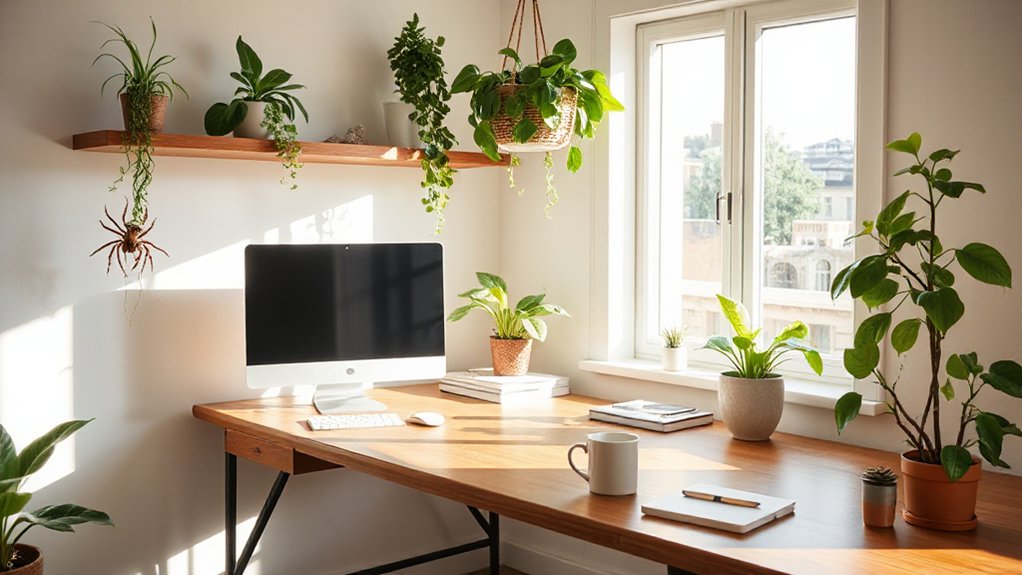
Ever wonder which easy plants can boost air quality and lift mood without demanding a green thumb? You can transform your workspace with simple, resilient picks that fit busy schedules. Indoor greenery delivers steady atmosphere benefits, while mood boosters promote focus and calm.
- Snake plant — tolerates low light, needs minimal watering, and quietly filters toxins.
- Pothos — climbs naturally, thrives in indirect light, and adds visual calm to your desk.
- ZZ plant — drought-tolerant, robust, and good for low-humidity rooms.
Keep them in proper pots, rotate monthly, and wipe leaves weekly.
With these clear choices, you gain cleaner air and steadier mood boosters, reinforcing belonging in a thriving, productive space.
Tidy Cables for a Clean, Distraction-Free Desk
A clean desk starts with tidy cables, so you can work without visual chaos pulling your attention away. You’ll master cable management by grouping cords with color-coded ties and labeling each connection, so you know where every device plugs in at a glance.
Begin behind the monitor, route power and data paths along the desk edge, and secure them with adhesive clips to prevent tugging. Use a shallow tray or cable sleeve to conceal excess length, keeping the surface smooth and ready for work.
Prioritize wire organization by planning routes that reduce crossing and strain, and regularly detach, test, and re-seat connections. With disciplined habits, you create a calm, efficient space that supports focused decision-making.
Sound You Can Work With: Quiet Zones and Ambience
Sound environments matter as much as tidy cables when you’re aiming for steady productivity. You’ll build quiet zones and curate ambient ambience that supports focus, not fatigue.
1) Identify your baseline: pick a time to test ambient sound levels and note what helps you concentrate.
2) Layer noise cancellation: use headphones or room treatments to reduce intrusive noise, then add soft, non-distracting tones for consistency.
3) Create zones: designate a calm nook for deep work and a brighter area for quick tasks, so you don’t fight your surroundings.
Ambient sound becomes a silent partner when you tailor it to your workflow. With thoughtful noise cancellation, you’ll feel more grounded, connected, and productive all day.
Smart Storage Tricks to Free Up Desk Space
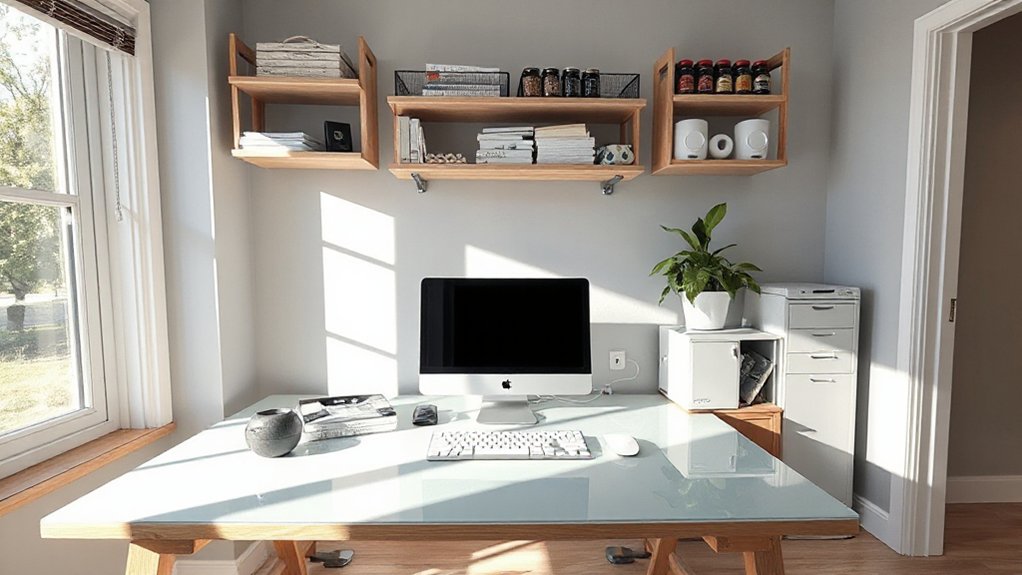
Smart storage tricks can free up desk space without sacrificing accessibility or productivity. You’ll reclaim surface area by embracing vertical solutions and modular components that move with you.
Choose creative storage that keeps essentials in reach while tucking away clutter: wall-mounted bins, magnetic strips, and shallow drawers under the desk.
Use pegboards to organize cables, tools, and reference materials, reducing desk distractions and cognitive load.
Embrace space optimization through labeled containers and a compact filing system that’s easy to audit weekly.
Opt for stackable, transparent bins to monitor contents at a glance, and implement a one-in, one-out rule to sustain order.
The result is a calmer, more cohesive workstation that supports focus, collaboration, and a strong sense of belonging.
Personalize Without Chaos: Smart Style Choices
When you’ve tamed clutter with smart storage, the next step is shaping a workspace that reflects you without becoming chaotic. Personalize without chaos by choosing deliberate accents that reinforce focus and belonging. Use personalized decor to signal your style while keeping clutter control front and center. Keep color and texture cohesive, so your space reads calm and professional.
Opt for a few meaningful pieces, not a showroom of items. Three practical ideas to start:
1) Curate a small, meaningful gallery of photos or art that sparks motivation.
2) Select a single accent color and repeat it in a few strategic places.
3) Introduce tactile elements (rug, throw, desk pad) that communicate comfort without distraction.
Quick Start and End Routines for Your Day
Set a tight morning routine that flags your priorities and clears distraction before you start.
End your day with a quick wind-down that resets your space and notes for tomorrow, so you can pick up where you left off.
These start-and-end rituals keep momentum high and decision fatigue low.
Start-Of-Day Rituals
Start your day with purpose by establishing quick-start and end-of-day rituals that frame work sessions and signal boundaries. You set rhythm, focus, and belonging from first light, then close with clarity so tomorrow feels welcoming, not overwhelming. To achieve this, adopt simple habits that cue productivity and rest.
- morning meditation: a 5-minute reset to ground thoughts, breathe deeply, and align intent before tasks.
- energizing breakfast: a protein-forward meal that fuels concentration and steady energy.
- quick-start checklist: 3 high-impact tasks, estimated times, and a final boundary moment to shift away.
These routines create consistency, reduce decision fatigue, and foster accountability. You’ll feel more present, capable, and connected to your workspace community.
End-Of-Day Wind-Downs
Begin with a 5–10 minute wrap: save files, archive notes, and mark priorities for tomorrow. Conduct evening reflections to assess what went well and where to adjust, then log key learnings in a concise notebook.
Clear your desk and silence notifications to protect downtime. Create a repeatable sequence: power down devices, summarize progress, and lay out the first task.
This practice reinforces belonging by honoring your limits and consistency, boosting overall productivity with predictable cadence. End-of-day wind-downs finalize your day with intention.
Cost-Effective Tech Upgrades That Pay Off
If you’re aiming to boost productivity on a budget, focus on targeted, high‑value tech upgrades that deliver measurable returns.
Here are cost‑effective moves you can implement today:
1) Prioritize a fast SSD, reliable keyboard, and precision mouse to improve cadence and reduce fatigue.
2) Replace clutter with quality software tools and cloud collaboration apps that streamline workflow and cut time spent on admin.
3) Invest in a compact monitor arm and cable management to reclaim desk space and sustain focus.
Why this works: tech gadgets and software tools should remove friction, not add steps. With these upgrades, you’ll experience faster boot times, smoother multitasking, and clearer visuals.
You belong here, driving progress with practical, proven choices.
A Clear Visual Workspace System: Labels and Zones

A clear visual workspace hinges on a simple, repeatable system: labels and zones that you can rely on every day. Start with a compact color-coding scheme to cue actions: green for go, red for stop, blue for review. This is color psychology in action, guiding pace without extra thought.
Create dedicated zones: a primary work area, a quick-access station for frequently used tools, and a filing zone for documents you’ve already handled. Use clear, durable labels on containers, drawers, and shelves so you always know where things belong.
Pair labels with smart storage solutions that minimize debris and clutter, then implement a quick audit routine to maintain order. The result is faster decisions, stronger ownership, and a calmer, more productive environment.
Habits to Maintain Momentum Over Time
Set up consistent routines you can rely on, so momentum builds without you having to re-plan every day.
Schedule regular check-ins to adjust priorities and keep yourself accountable.
Track progress with clear milestones to celebrate wins and stay focused on next steps.
Build Consistent Routines
Consistent routines are the backbone of sustained productivity, turning efforts into momentum you can count on. By anchoring daily actions, you reduce decision fatigue and protect focus for meaningful work.
Craft routines that honor time management and workspace ergonomics, so your body and calendar align with your priorities.
- Establish a clear morning start: set purpose, review priorities, and prepare your workspace for comfort and efficiency.
- Protect deep-work blocks: designate undistracted periods, with short, intentional breaks to reset attention.
- Evening wind-down: log accomplishments, plan tomorrow’s tasks, and tidy your area to reinforce a productive rhythm.
Schedule Regular Check-Ins
Regular check-ins keep momentum visible and adjustable. You schedule short, focused meetings or self-reviews to stay aligned with your priorities.
By linking time management to concrete actions, you turn intentions into observable progress and quick course corrections. Set a predictable cadence—weekly or biweekly—and honor it as a commitment to yourself and your workspace.
During these sessions, review what you accomplished, what slowed you, and what’s next. Use goal setting as your compass, breaking large aims into actionable steps with clear owners and deadlines.
Track blockers, reallocate resources, and adjust priorities without guilt. This practice reinforces accountability, clarifies expectations, and cultivates belonging by showing you value steady improvement and mutual support within your routines.
Track Progress Milestones
To keep momentum from slipping, track progress milestones by identifying small, repeatable habits that build toward bigger goals. You’ll lock in consistent action, refine time management, and strengthen belonging as you share wins with colleagues or teammates.
Use milestones as concrete checkpoints, not vague intentions, and adjust as needed to stay aligned with ergonomic tips and daily rhythms.
- Record daily micro-wins at the end of each work session, then review weekly to confirm how time management improved.
- Set a recurring reminder to apply one ergonomic tip (adjust chair height, monitor angle, or keyboard position) before starting a new task.
- Celebrate milestone completions with a brief, team-shared note that reinforces progress and accountability.
Measure Progress: Track Productivity Gains
Measuring progress is essential to see whether your productivity gains from invigorating a home office actually materialize. To track impact, set clear benchmarks aligned with your daily tasks and long-term goals.
Use simple metrics: completed tasks, time spent on priorities, and interruptions per hour. Record these each day, then review weekly to spot patterns and adjust routines.
Time management matters most when you translate effort into visible movement toward deadlines and outcomes. Pair metrics with qualitative notes on focus, energy, and tool effectiveness to capture the full story.
Seek consistent data rather than dramatic swings; small, steady improvements compound over time. When results lag, recalibrate with motivation boosters—new cues, routine tweaks, or micro-rests—to sustain momentum and belonging in your productive workspace.
Frequently Asked Questions
How Often Should I Reassess My Productivity Goals?
You should reassess your productivity goals every 4–6 weeks. This cadence lets you catch drift, celebrate gains, and adjust priorities before momentum fades.
Use goal tracking to log tasks, metrics, and milestones, then perform a quick progress evaluation that identifies what’s working and what isn’t.
Stay honest and inclusive with yourself, inviting feedback from teammates if applicable.
Regular reassessment reinforces belonging, keeps you aligned, and sharpens your focus for continued improvement.
What’s the Quickest Way to Test a Layout Change?
You test a layout change quickly by comparing two setups side by side, then choosing the one you can sustain for a day. Do a live workstation switch, note how you move, breathe, and focus.
Try Furniture arrangement first, then tweak Lighting adjustments. You’ll feel the difference in flow and comfort.
Keep a simple scorecard: reachable tools, cable clutter, screen glare, and natural light. Your sense of belonging grows as the space clearly serves you.
Which Plants Are Best for Low-Light Offices?
You should choose indoor greenery like pothos, ZZ plants, and snake plants for a low-light office. These low light plants thrive with minimal sun and steady care.
Position them away from direct glare yet within reach for routine maintenance. You’ll feel a calmer, more productive vibe as you monitor moisture and avoid overwatering.
Indoor greenery in your workspace signals belonging, while these hardy selections keep your productivity steady without demanding bright windows.
How Can I Balance Style With Noise Reduction?
You can balance style with noise reduction by choosing soundproof decor that blends with your space and using acoustic panels as a focal design feature. Select panels in colors and textures you love, then place them where they absorb the most sound without feeling clinical.
Pair with stylish textiles and furniture to feel welcoming. This approach signals belonging while delivering practical, proven quietness for focus-and-flow days.
What Metrics Show Actionable Productivity Gains?
You’ll see actionable productivity gains through clear metrics: ergonomic assessments flag posture tweaks, tool access, and comfort improvements.
While time tracking reveals work-windows, distractions, and task completion rates. Track before-and-after changes to quantify impact.
Prioritize consistent hours and benchmark progress weekly. Use ergonomic assessments to validate setup adjustments, then correlate time-tracking improvements with fewer interruptions and faster task completion.
Celebrate small wins to reinforce belonging and sustained focus across your team.
Conclusion
You’ve mapped your mission, minimized distractions, and tuned your tech. Now, transform tension into traction with deliberate, daily discipline. Prioritize posture, lighting, and layout; protect time with tight routines; and keep your workspace clean and categorized. Consistent cues create confident momentum—label zones, batch tasks, and celebrate small wins. Progress compounds when you persist. Refresh, refine, and repeat: your productive, purposeful home office will power your performance and propel you toward higher-horizon goals.