
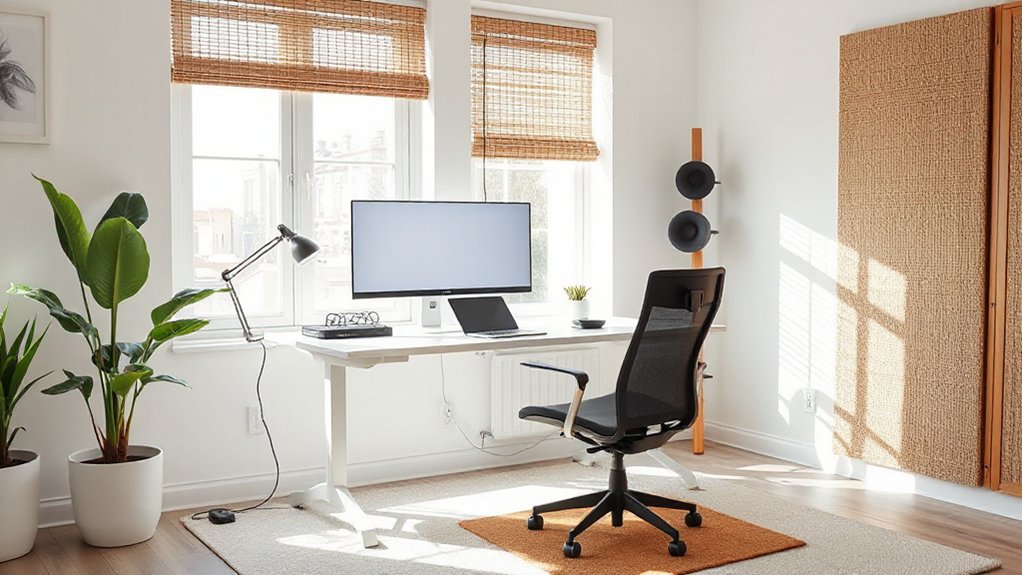
Design a home office that supports focus, comfort, and collaboration by zoning for focus and collaboration, choosing a dedicated desk or flexible layout, and optimizing lighting with layered, adjustable fixtures. Pick ergonomic furniture, align monitor height, and position everything within reach. Improve acoustics with soft materials and noise control, keep cables tidy, and back up power with a UPS. Establish routines, boundaries, and clear collaboration norms to stay productive across time zones—plus practical, budget-smart upgrades you can implement now. You’ll learn more as you continue.
Define Your Home Office Design Goals and Constraints
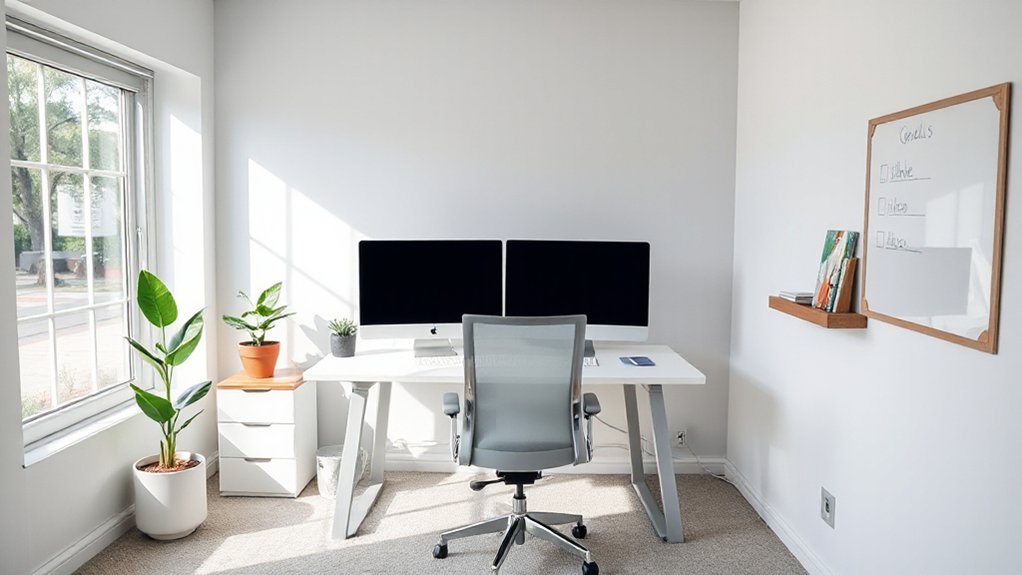
Before you design, define your goals and constraints. You aim for a space that supports focus, collaboration, and well-being, while fitting your budget and timeline.
Start with functional goals: required equipment, storage, lighting, and acoustics.
Then map constraints: room size, electrical access, natural light, and noise levels.
Clarify success metrics—image, mood, and productivity benchmarks—so you can measure progress later.
Consider color schemes early because they influence mood and concentration; choose palettes that align with your work tasks and personal style.
Integrate Feng shui principles cautiously to foster calm without overcomplicating the plan.
Document non-negotiables and nice-to-haves, then prioritize.
Finally, set a realistic timeline and budget, and revisit your goals as needs evolve.
Choose a Dedicated Zone or Flexible Layout for Your Space
Choosing between a dedicated zone and a flexible layout hinges on how you work. You want a setup that reinforces focus when needed and adapts for collaboration or spillover tasks.
If your days demand uninterrupted flow, carve a distinct zone with a defined desk, storage, and sound-attenuating elements.
If you thrive on spontaneity, design a flexible space with moveable furniture, modular storage, and a neutral backbone that supports varying tasks.
Color schemes influence mood and perception of space; pick calm, cohesive hues to reduce distraction, or accent walls to cue zones without walls.
Decor accents should balance function and belonging—personal touches, plants, and tidy organization foster ownership.
Revisit zoning as projects shift, ensuring your space remains purposeful, comfortable, and aligned with how you prefer to work.
Optimize Lighting for Focus, Comfort, and Mood
Start with lighting that keeps you alert for focus, using brighter, cooler temps at work zones.
Add mood-boosting illumination through layered layers, like warm accents and dimmable options, to support breaks and creativity.
Place lights for comfort—avoid glare, position them to minimize shadows, and balance task, ambient, and decorative sources.
Lighting For Focus
Good lighting is essential for focus, comfort, and mood, so tailor your setup to support long, productive work sessions. You’ll want lighting that reduces eye strain while guiding your attention to tasks.
Use a layered approach with natural materials and subtle decorative accents to create a calm, cohesive atmosphere.
- Position a cool-white desk lamp at eye level to minimize glare and support sustained concentration.
- Include a dimmable overhead option that you can adjust for different tasks and times of day.
- Integrate warm-toned accent lights near your workspace with natural materials to soften contrast and reinforce a sense of belonging.
Mood-Boosting Illumination
What’s the right lighting mix to support focus, comfort, and mood all day long? Start with a balanced color temperature: cool white for alert moments, warm white for late-day wind-down.
Layer lighting to create a flexible mood, using a mix of ambient, task, and accent lights. Prefer dimmable fixtures so you can adjust intensity as tasks change and energy shifts.
A steady, glare-free glow reduces eye strain and supports mood enhancement. Position light sources to minimize shadows, especially on screens, and avoid harsh contrasts that zap concentration.
Use lighting ambiance as a cue for shifts—bright for deep work, softer for breaks. Pair with natural light when possible, and maintain consistency with your brand of calm and belonging throughout the space.
Comfort Through Placement
Smart placement matters as much as the fixtures themselves. When you arrange light, you shape focus, comfort, and mood. Position sources to minimize glare on screens and to create balanced ambient illumination that doesn’t fatigue your eyes.
Use decorative accents and color schemes to soften or energize the space, aligning lighting with your work rhythms. Here are practical ideas:
- Place a dimmable task light at your dominant work zone to reduce eye strain.
- Use indirect lighting from shelves or walls to create depth and reduce contrast.
- Create a calm color palette with warm neutrals and subtle accents that support long sessions.
This thoughtful setup reinforces belonging, helping you feel settled and productive every day.
Select Ergonomic Furniture That Fits Your Body
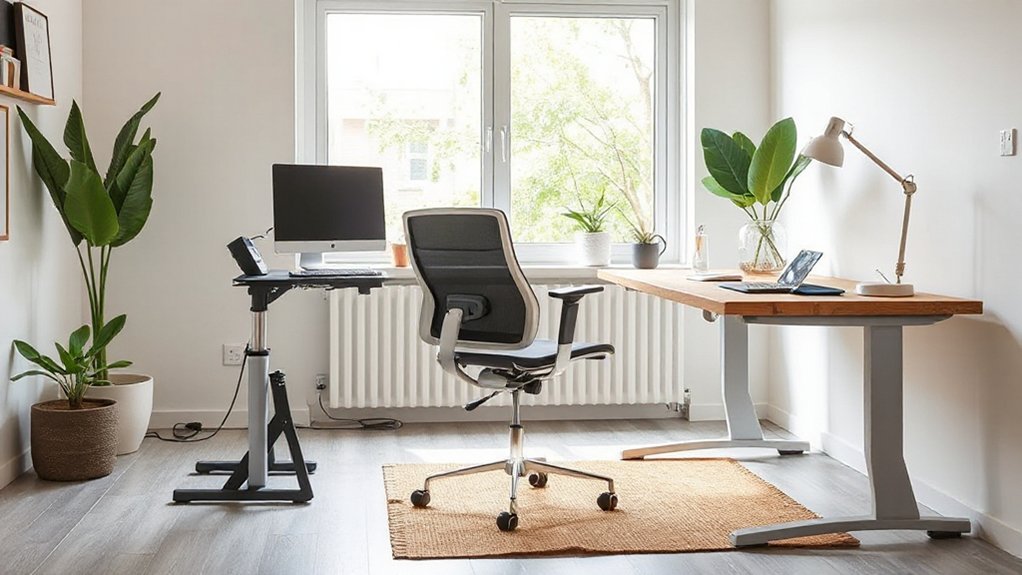
Start with an ergonomic chair that fits you—from seat depth to back support—to keep your spine aligned and hips relaxed.
Make desk height comfortable for your elbows and wrists, so typing and writing don’t strain your shoulders.
Check monitor placement to align with your eye level and reduce neck fatigue for clearer, longer work sessions.
Ergonomic Chair Fit
When choosing an ergonomic chair, prioritize fit to your body: seat height should let your feet rest flat on the floor with knees at about a 90-degree angle, and the seat depth should support your thighs without pressing behind the knees. A well-fitted chair drives ergonomic benefits and supports posture correction across your workday.
- Adjust lumbar support to align with your lower back curve for sustainable comfort.
- Set armrests to keep shoulders relaxed and elbows near your sides.
- Verify seat depth and tilt help you sit back without losing reach to your desk.
With precise fitting, you’ll move with less strain, feel more stable, and belong to a workspace that respects your body.
Desk Height Comfort
Aim for a workspace where your shoulders relax and wrists stay neutral. If you’re between sizes, prefer an adjustable desk or a height riser to fine-tune ergonomy without sacrificing stability.
Remember that consistent desk height supports ergonomic posture across the day, reducing fatigue and stiffness.
Pair the setup with a chair that aligns lumbar support and seat depth. When done right, your desk height becomes a quiet ally, fostering confidence, clarity, and belonging in a productive home office routine.
desk height, ergonomic posture.
Monitor Placement Alignment
Where should you place your monitor for ideal comfort and focus? Start with a neutral gaze, top of the screen at or just below eye level, and sit about an arm’s length away. This aligns your neck and reduces strain, while encouraging steady posture. Use simple alignment techniques to create a consistent setup across days and teammates.
- Position the monitor directly in front of you, not off to the side, with the screen center at eye level.
- Align the top edge with your natural line of sight and keep the base stable on a solid desk.
- Adjust distance and tilt so your eyes glide without squinting or leaning.
Monitor placement and alignment techniques support comfort, focus, and a sense of belonging.
Improve Acoustics: Quiet, Concentration-Boosting Sound
To improve your workspace soundscape, start by identifying the main noise sources and choosing concrete, effective fixes: hard surfaces reflect, so add soft materials like rugs, curtains, and acoustic panels.
Limit distractions with door seals or weather stripping, and use a white noise machine or a quiet fan to mask intrusive sounds.
Target key areas: desk wall, overhead echoes, and hallway traffic.
Implement layered sound control with door sweeps and cushioned furniture placement.
Explore Soundproofing tips that fit your space, then select Acoustic panel options that blend with your decor.
Prioritize easy installs, minimal cost, and future updates.
Involve teammates or household members to create shared responsibility, reinforcing belonging while you maintain a focused, calmer work tempo.
Ensure Reliable Connectivity and Power for Remote Work
Reliable connectivity and steady power are the backbone of a productive remote setup. You deserve a reliable, user-centric workflow, not frustration. Focus on resilience and simplicity, using practical choices that fit your space and habits.
1) Wireless solutions: prioritize a robust Wi‑Fi 6/6E router, strategic mesh placement, and a snug workspace AP to minimize dead spots and latency.
2) Power management: invest in an uninterruptible power supply (UPS) for your PC, monitor, and essential peripherals; enable battery saver modes and organized cable routing to reduce clutter and heat.
3) Redundancy planning: have a backup internet option (cellular hotspot) and a clearly labeled power plan so you can switch instantly without losing momentum.
Build a Simple Storage System to Free Mental Bandwidth
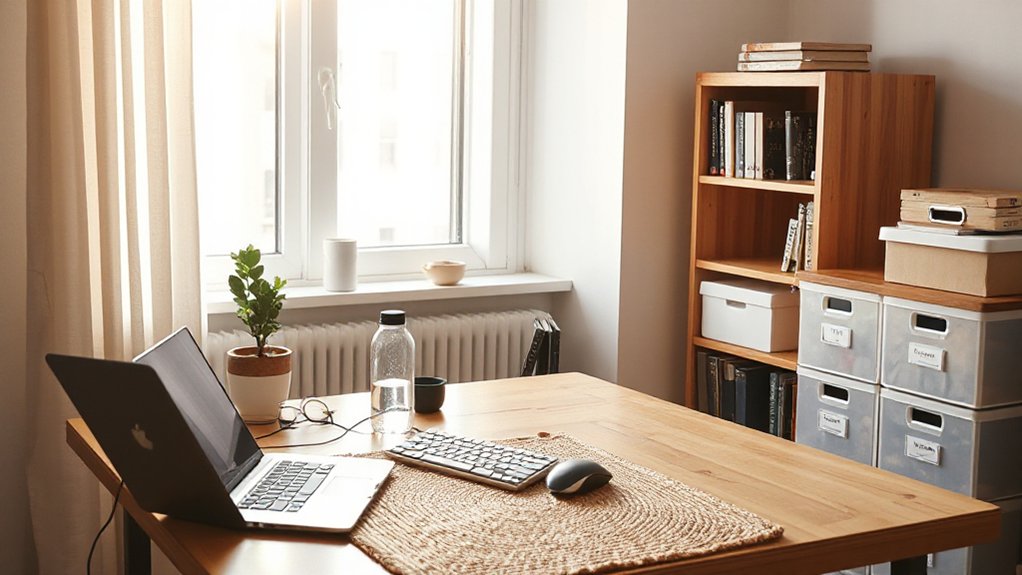
You start by sorting files daily to keep your workspace predictable and quick to scan.
Next, verticalize your storage with a simple, scalable setup that you can access without digging through piles.
This approach frees mental bandwidth so you can focus on the work that matters.
Quick-Sort Files Daily
Quick-sorting your daily files starts with a simple routine: set a predictable image of where every file belongs, then move it there as soon as you finish using it. You’ll free mental bandwidth and reduce search time, making your home office feel orderly and approachable. Quick sorting becomes habit, not an exception.
1) Create three core folders: In Progress, Reference, Archive.
2) Immediately file, don’t defer. Rename only when necessary to reflect current context.
3) End-of-day sweep: review lingering items, move them to final destinations, and close the loop.
This approach strengthens file organization and fosters belonging. You’ll trust your system, knowing where to look, when to look, and how to find what you need without clutter.
Verticalize Storage Systems
Verticalizing storage reduces clutter by turning vertical space into usable, accessible zones. You’ll build a simple system that frees mental bandwidth and speeds work.
Start with a clear baseline: gather items you actually use weekly, then designate dedicated zones. Use Vertical storage to stack boxes, binders, and tools without crowding your desk.
Choose Modular shelving that’s adjustable, so you can reconfigure as needs shift. Install wall-mounted units within arm’s reach for frequently used supplies, and place less-used items higher or in the back.
Label fronts clearly and keep a small quick-reference box for essential tasks. Maintain discipline: rotate items, purge obsolete materials quarterly, and test the layout after a week of use.
With intentional organization, you’ll feel grounded and more productive.
Create a Visual Workflow: Focus Zones and Collaboration Areas
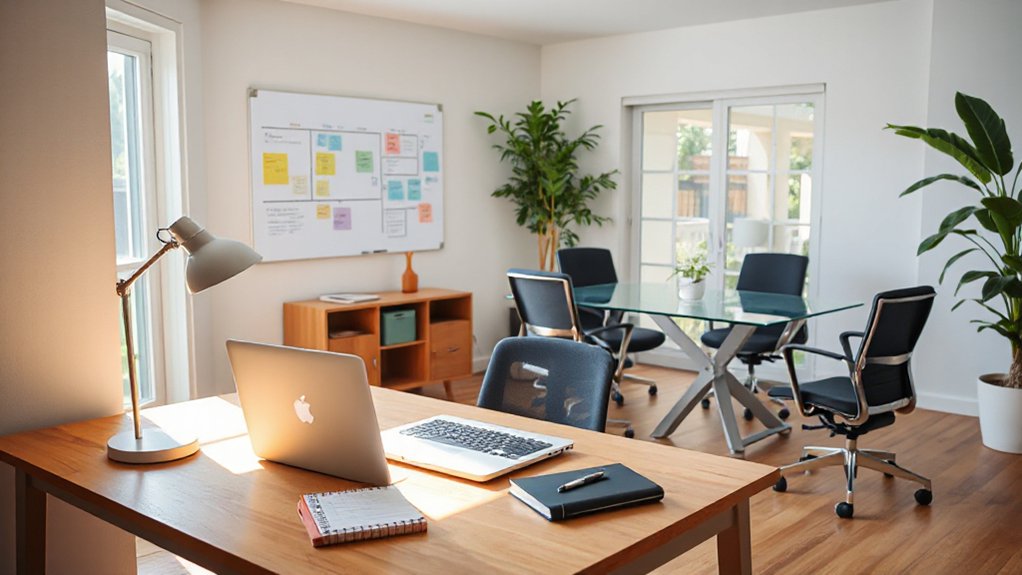
To create a visual workflow, map your space into clear focus zones and dedicated collaboration areas. You’ll align tasks with places, reducing friction and signaling intent to teammates. Use visual cues like rugs, lighting, and furniture height to distinguish zones, then anchor collaboration with a comfortable, inviting area. Add creative wall art and plants for ambiance to sustain energy and focus without distraction.
- Define a quiet focus nook with minimal clutter and ergonomic seating.
- Establish a central collaboration hub with whiteboard, screen, and accessible seating.
- Use color, texture, and signage to guide transitions between zones and reinforce belonging.
Involve your team in the layout, test for flow, and adjust. Your space should feel purposeful, inclusive, and supportive.
Improve Climate Comfort and Air Quality at Home
You’ll start by understanding air quality basics, then tailor temperature and humidity to what you actually feel comfortable in your space.
Prioritize fresh air and proper ventilation to balance indoor pollutants with outdoor air, while using controls that keep conditions steady.
Keep the focus on practical steps you can implement now, so your home office stays comfortable and healthier all day.
Air Quality Basics
Good air is essential for comfort and productivity at home. You’ll maintain a healthier workspace by controlling sources, circulating fresh air, and cleaning strategically. Use these practical steps:
- Indoor plants add subtle humidity and visual calm while needing minimal care.
- Air purifiers with HEPA filters capture dust, pollen, and VOCs for cleaner air.
- Ventilate daily; open windows briefly or run a small exhaust fan to exchange stale air.
Keep clutter low to reduce dust, and choose materials with low emissions for furniture and décor. Track air quality with a simple monitor to stay aware without fuss.
Consistency matters: small, steady improvements compound over time, helping you feel connected, focused, and supported in your home office. Prioritize comfort, safety, and belonging in every choice.
Temperature and Humidity Control
Isn’t it frustrating when your home office swings from stuffy to chilly mid-work sessions? Temperature and humidity control keeps comfort consistent so you stay productive.
Start with solid temperature regulation: set a stable range, use a thermostat with scheduling, and zone-control if possible. For smaller spaces, a compact heater or fan can fine-tune microclimates without wasted energy.
Humidity management matters too—aim around 40–60% relative humidity to prevent dry eyes or condensation. Use a hygrometer to monitor levels and adjust with a dehumidifier or humidifier as needed.
Keep blinds closed during heat peaks and open for light in cooler mornings.
Prioritize quiet, energy-efficient devices and simple routines so climate control feels seamless, not laborious.
Fresh Air and Ventilation
Fresh air and proper ventilation are essential for steady comfort and sharp focus in a home office. You’ll notice a difference when you mix open airflow with smart filtration, keeping drafts pleasant and odors low. Use practical steps to create climate ease and a sense of belonging in your space.
- Open windows when feasible and pair with exhaust fans or cross-ventilation to refresh the room.
- Include indoor plants and a compact air purifier to boost humidity balance and remove irritants.
- Schedule regular checks of filters and seal gaps around doors and windows to maintain consistent ventilation.
These simple moves support your focus, health, and comfort, helping you feel connected to a well-cared-for workspace.
Pick a Productivity-Boosting Tech Stack (Devices and Apps)
Choosing a productivity-boosting tech stack means aligning devices and apps with how you work, not how you wish you worked. Start with a solid foundation: reliable hardware, secure connectivity, and a minimal set of apps that covers core tasks.
Prioritize smart gadgets that automate routine steps and reduce friction, like smart keyboards, multiport hubs, and secure file syncing. For focus, pair devices with purpose-built apps: task managers, calendar, and communication tools that integrate smoothly.
Use virtual assistants to handle quick commands, reminders, and status updates, but set boundaries to avoid overreach. Select a workflow, not a novelty, and test it for a week.
Trust your setup, keep it lean, and iterate. Your productive space thrives on clarity, consistency, and belonging.
Personalize With Calm, Distraction-Free Decor
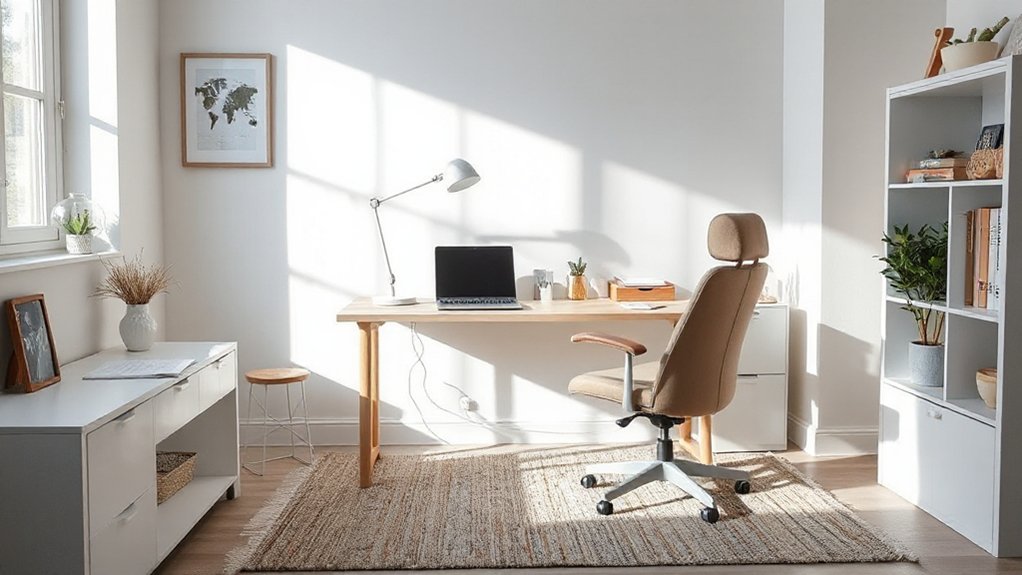
To create a calm, distraction-free workspace, start with a base of neutral tones, uncluttered surfaces, and purposeful lighting.
Personalize with purposeful pieces that reinforce focus without noise: soft textures, minimal art, and subtle greenery contribute to a distraction-free environment while signaling belonging.
Keep items with meaning—family photos in limited frames, a favorite mug, a desk clock—to foster comfort without visual chaos.
Choose a single accent color to unify the space and avoid overstimulation.
Integrate storage that hides away cables and supplies.
Your three ideas:
1) Curate a small, cohesive gallery of personalized decor that sparks calm
2) Use quiet textures and low-contrast art for visual rest
3) Place plants for air quality and mindful cues
This approach supports a calm, personalized workspace that invites consistent, focused work.
Establish Routines That Support Work-Life Balance
Establishing clear routines is essential for sustaining work-life balance when you’re working from home. You’ll protect focus and rest by scheduling consistent start and end times, lunch breaks, and short breaks between tasks.
Use time management to align priorities with your energy patterns, so demanding work doesn’t spill into personal moments. Define boundaries around after-hours, meetings, and notifications, and communicate them to teammates and family.
Treat routine as a tool, not a cage: adjust as projects shift, but keep core anchors steady. Keep a simple daily plan, review it each morning, and reflect at day’s end.
Consistency builds trust with yourself and others, reinforcing belonging within your household and your remote team. Boundary setting and intentional time management empower sustainable productivity.
Build a Quick-Start Home Office Setup for Mornings
A quick-start morning setup gets you from waking to working without friction. You’ll feel grounded as soon as you enter your space, knowing exactly where to go and what to grab. A smooth routine reduces decision fatigue and strengthens belonging with your routine teammates.
- Morning routines: set a simple sequence—stretch, hydration, then quick brief planning — so you start with momentum.
- Coffee station: pre-brewed or ready-to-mrew: keep mugs and beans nearby, so caffeine is instant.
- Layout clarity: place essential tools within arm’s reach and label cores for quick access, avoiding wasted minutes.
With this setup, you protect your focus, honor your time, and greet the day confidently.
Design for Accessibility and Inclusive Use
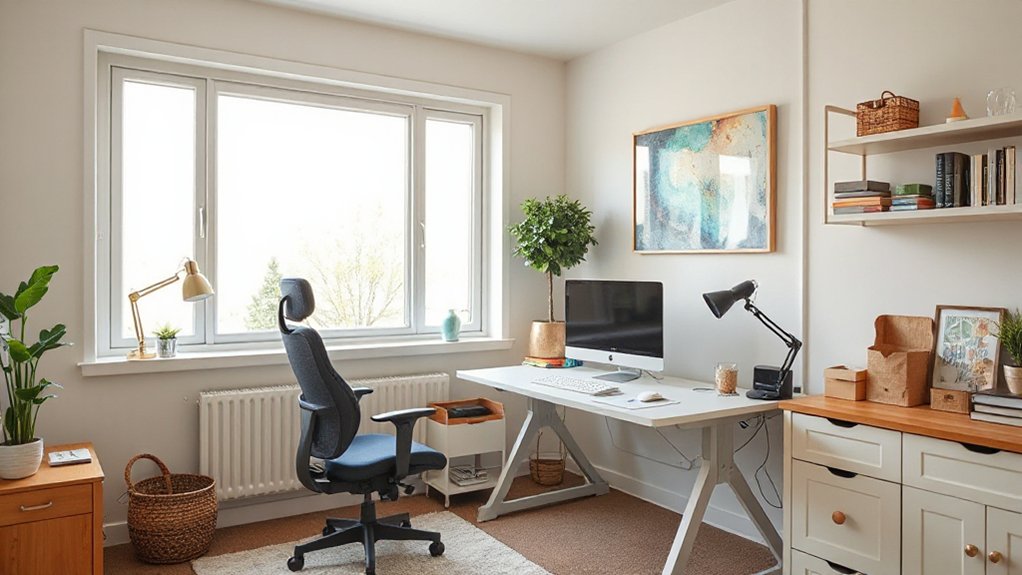
Start with an accessible desk layout that keeps critical gear within easy reach and clear sightlines for all users.
Set up an inclusive tech flow—voice commands, high-contrast displays, and adaptable peripherals—so everyone can work comfortably.
Add ergonomic adaptations, like adjustable seating and monitor heights, to sustain long hours without strain.
Accessible Desk Layouts
An accessible desk layout centers on reachability, clear pathways, and adaptable seating so you can work comfortably from any position. You deserve a setup that minimizes strain and maximizes confidence in motion. With intention, arrange your space to support every body type and skill level, using adjustable height surfaces and wall-accessible storage to keep essentials within arm’s reach.
Prioritize clear sightlines to monitors and natural light, and reserve space for mobility aids if needed. Use these practical ideas:
1) Maintain a central work zone with adjustable height desk for flexible posture.
2) Integrate accessible storage at reachable levels, reducing twists and reaching.
3) Create defined, unobstructed pathways, and keep cords tucked for safety.
Inclusive Tech Setup
Is your workspace truly inclusive for every user? You design tech that respects diverse needs, from color contrast to screen reader compatibility, and you test with real colleagues.
Choose a webcam, microphone, and headset that pair with multiple devices and platforms, so someone with limited setup can join without friction.
Prioritize adjustable UI elements, keyboard shortcuts, and caption options—make collaboration feel effortless for all teammates.
In Virtual collaboration, guarantee sharing and meeting controls are accessible, with clear focus indicators and easy navigation.
Noise cancellation helps reduce distractions without silencing voices; select modes that adapt to varying environments.
Document setup guidelines, encourage feedback, and iterate quickly to keep your space welcoming, reliable, and inclusive for every contributor.
Ergonomic Adaptations
Ergonomic adaptations matter most when accessibility and inclusive use are non-negotiable. You design for every body, not just the average, by embracing practical adjustments that honor comfort, safety, and productivity.
Use ergonomic accessories to support neutral joints and reduce strain, and prioritize posture correction through thoughtful setup. Align your desk, chair, and monitor height to sustain a healthy spine and proactive movement.
- Choose adjustable components that tailor fit to you and others who share the space.
- Implement simple, repeatable routines that promote posture and frequent micro-breaks.
- Integrate clear labeling and easy reach for assistive tools and peripherals.
Plan for Future-Proofing and Adaptability
Prioritize modular furniture, cable management, and accessible power, so you can reconfigure zones as responsibilities shift. Embrace future planning by mapping potential growth: extra desk space, improved lighting, and additional storage that won’t clutter your workflow.
Invest in adaptable technology—plug-and-play peripherals, wireless connectivity, and a robust network—to minimize disruption when updates arrive.
Align your plan with shared values of belonging: invite collaboration, quiet focus, and personal comfort. Tech integration should feel seamless, not overwhelming, enabling you to stay productive, confident, and prepared for whatever comes next.
Audit Your Setup: A Simple Home-Office Test-and-Iterate Checklist
A quick audit of your home office helps you spot gaps and stay on track, so you can tighten what works and drop what doesn’t. You test setup elements quickly, note outputs, and iterate until flow feels natural. Focus on how you actually work, not how you wish you worked.
- Evaluate light and color: guarantee Creative lighting supports focus, mood shifts, and reduced eye strain, and observe how Color psychology influences your performance.
- Test ergonomics and acoustics: check chair height, desk clearance, and noise levels, adjusting gear and placement for steady concentration.
- Review tech and routines: confirm reliable connectivity, fast backups, and a repeatable daily sequence that minimizes friction.
Repeat monthly to stay aligned with your evolving projects and team needs.
Budget-Smart Upgrades With Big Impact
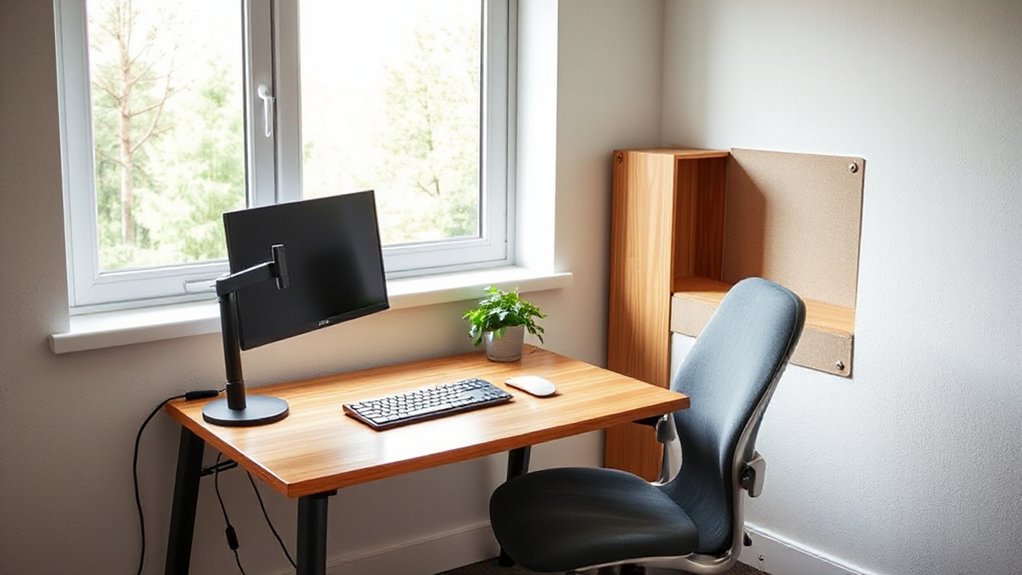
Even with a tight budget, you can make a big impact in your home office by prioritizing high-leverage upgrades that boost focus, comfort, and productivity. Begin with ergonomics: invest in a supportive chair and a desk at elbow height to reduce strain and fatigue.
Next, optimize lighting to cut glare and enhance mood; consider a daylight-mimicking lamp you can adjust through the day.
For a personal touch that boosts belonging, curate artwork selection that resonates with you and reduces visual chaos.
Garden integration can be subtle yet powerful—introduce a small plant wall or a desk-friendly greenery shelf to improve air quality and calm.
Finally, allocate funds to quiet storage and cable management to keep the space tidy and distraction-free.
These choices maximize impact without overspending.
Optimize Collaboration With Teammates at a Distance
If you’ve got teammates spread across time zones or offices, you can still move fast by standardizing workflows and communication norms. In remote team dynamics, clarity beats ambiguity, and virtual collaboration hinges on reliable processes, not luck.
Set shared cadences, decision rights, and documentation expectations so everyone operates in sync.
- Establish a unified meeting schedule and concise agendas to minimize churn.
- Create a single source of truth for decisions, status, and next steps.
- Use inclusive rituals that foster belonging, like rotating roles and transparent feedback loops.
Sustain Well-Being: Habits That Protect Long-Term Health
Sustaining well-being starts with simple, consistent habits that protect your long-term health. You design routines that fit your work pace, not the other way around.
Start with mindfulness practices to ground focus, reduce stress, and reset after breaks. Pair this with ergonomic stretching to counteract stiffness from long stints at the table, supporting posture and circulation.
Prioritize regular breaks, movement, and hydration to keep energy steady. Create a predictable cadence: a short stretch every hour, a mini mindful check-in, a glass of water, then resume tasks with renewed clarity.
Set boundaries that safeguard personal time, signaling teammates when you’re available. Track progress simply, adjust as needed, and iterate toward healthier norms you’ll sustain long-term.
Your well-being reinforces your performance and sense of belonging.
Frequently Asked Questions
How Can I Measure the Return on a Home Office Upgrade?
You can measure ROI by tracking productivity gains, reduced time waste, and lower health costs, then compare against upgrade spend.
You’ll quantify time saved from ergonomic accessories and improved focus from lighting solutions.
Survey yourself on satisfaction and engagement weekly, plus monitor sick days and error rates.
Capture tangible metrics like output per hour, task completion, and perceived well-being.
If benefits exceed costs over 3–6 months, your investment pays for itself.
What Small Changes Yield the Biggest Comfort Gains?
Small changes that yield big comfort gains start with your chair and lighting. Choose ergonomic furniture that supports posture and reduces strain, and add ambient lighting to soften glare and create focus.
Position your screen at eye level, use a dimmer, and layer warm to neutral tones. You’ll notice less fatigue, steadier concentration, and a welcoming vibe.
Make one tweak at a time, test it, and invite others to share tips, so you feel you belong.
How Do I Avoid Visual Distractions in a Busy Home?
Start by noting that 70% of remote workers report higher focus when their space is uncluttered. You can avoid visual distractions by practicing decor organization: hide cables, minimize knickknacks, and use a clean color palette.
Improve Lighting optimization with a task light and balanced ambient light. You’ll feel more grounded, belonging, and in control.
Set a quick daily reset routine, and keep your desk clear for deep work. You’ll notice steadier attention and calmer mornings.
What Privacy Considerations Matter for Video Calls?
You should prioritize privacy during video calls by choosing a room with solid walls, closing doors, and minimizing echoes with soundproofing options.
Consider positioning cameras to avoid showing private areas, and use blurred or neutral backgrounds to protect personal space.
For sound and visuals, invest in a rug or foam panels to reduce noise.
Select background aesthetics that feel professional yet inviting, helping teammates feel you belong.
How Can I Test My Setup Before Buying New Gear?
You can test your setup before buying new gear by simulating real use: video calls, typing, and multitasking.
Check for comfortable posture, stable monitor height, and solid desk space.
Do lighting adjustments to minimize glare and guarantee clear visibility.
Try ergonomic accessories like a footrest or wrist supports, and run a few longer sessions to spot fatigue.
If everything feels right and you’re not squinting or hunching, you’re ready to invest with confidence.
Share access with teammates for quick feedback.
Conclusion
You’ll discover the truth that a great home office isn’t magic—it’s discipline plus design. When you test ideas, you see what actually boosts focus and comfort for you. Start with clear goals, then iterate: tweak lighting, chair, and layout; track how you work, not how it looks. The best setup emerges from honest checks, small upgrades, and steady routines. If remote work feels effortless, you’re not lucky—you’re optimizing.